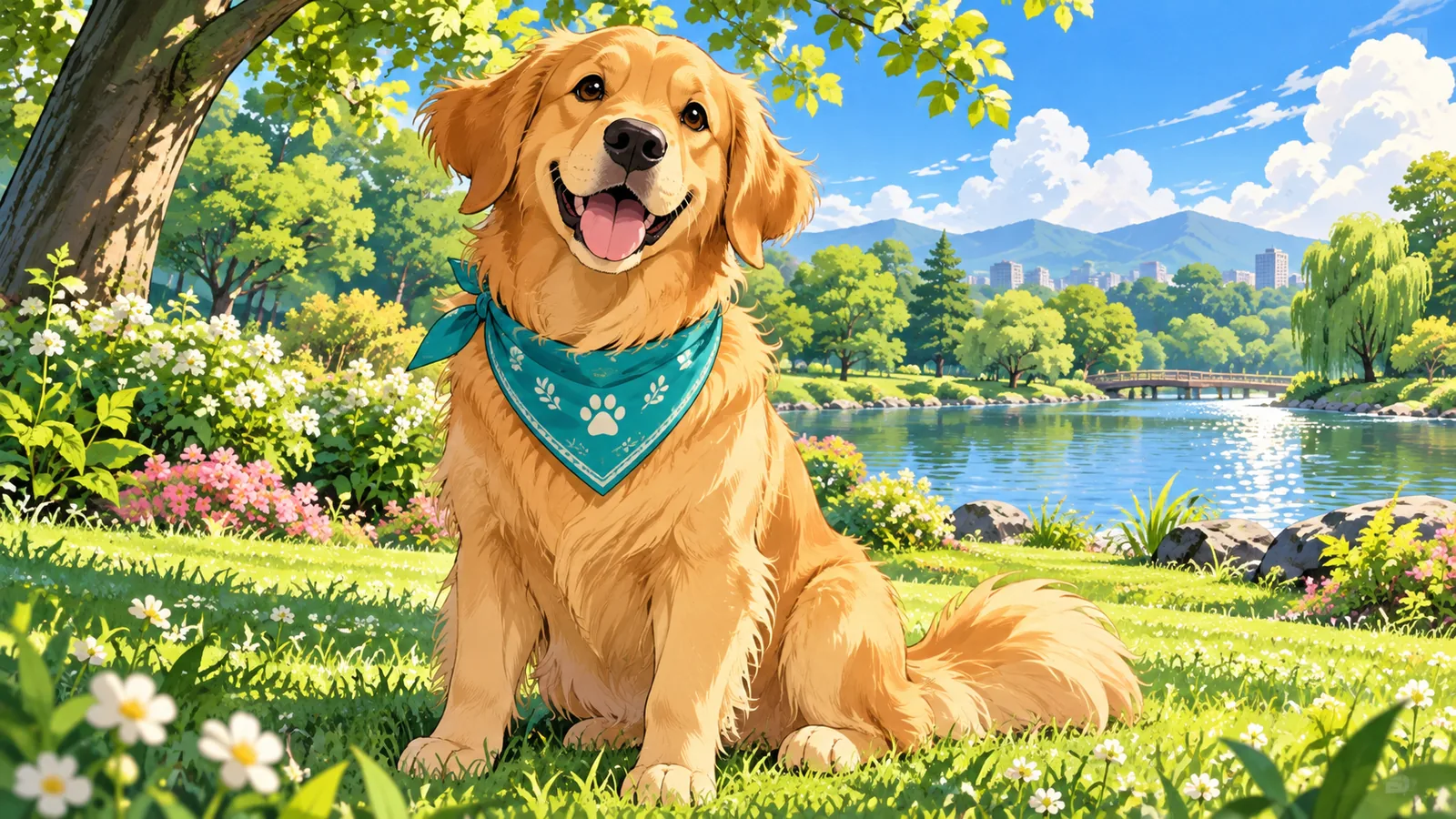
Turn pet photos into expressive anime art
Give a familiar pet clean outlines, cel-shaded color, and an animated character feel. Describe the coat markings and accessories that make the subject yours.
Try an anime direction
— generations remaining today
Resets daily at 00:00 UTC. Shared across all image tools. Accepted attempts, including failed generations, count toward usage.
Find a new style for a photo you already love.
Explore anime characters, nostalgic film moods, and painted scenery using your own photos.
Give a familiar pet clean outlines, cel-shaded color, and an animated character feel. Describe the coat markings and accessories that make the subject yours.
Try an anime direction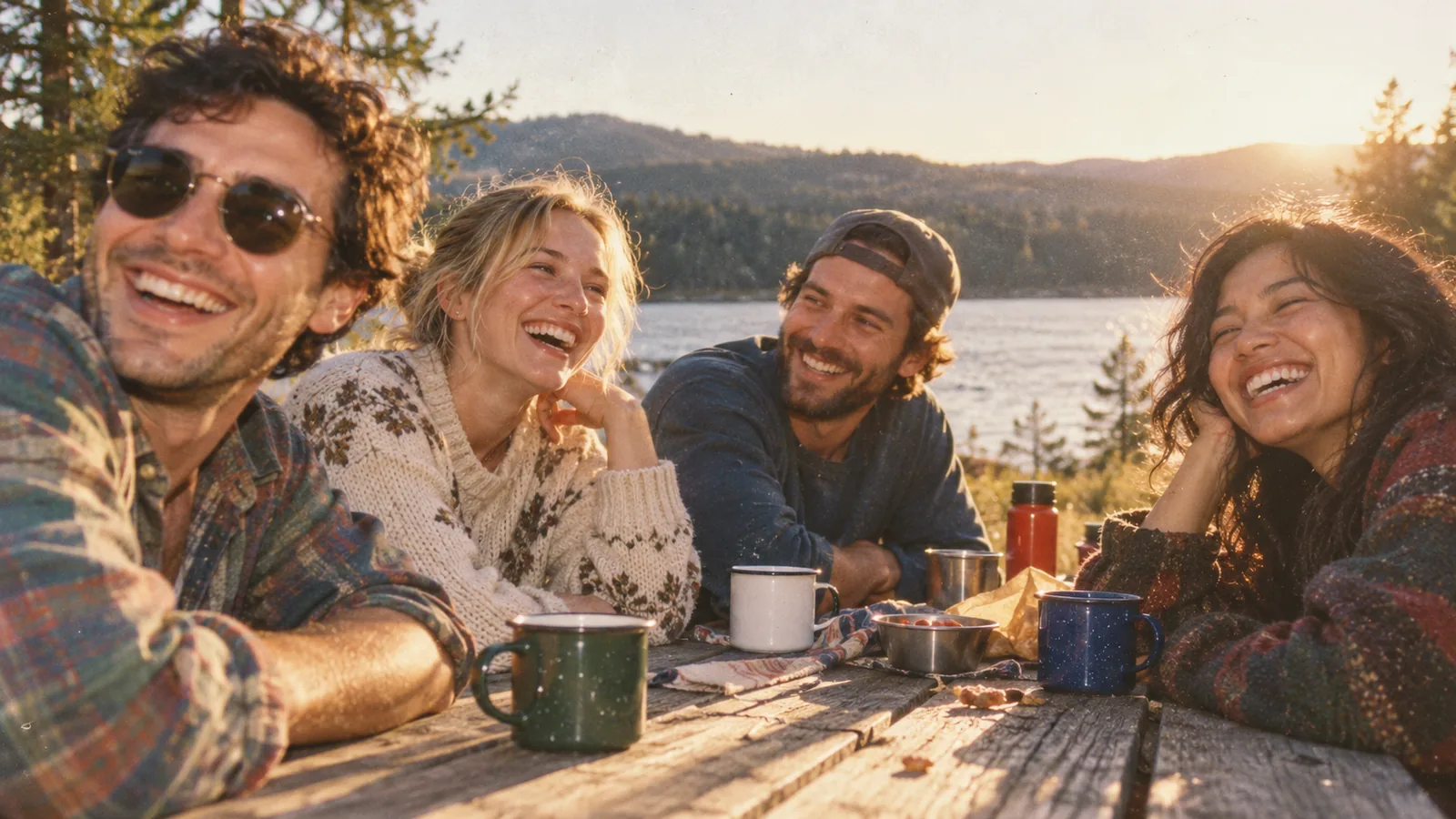
Bring warm tones, grain, and flash-inspired lighting to photos with friends. Describe a subtle nostalgic finish or a stronger disposable-camera direction.
Explore retro filters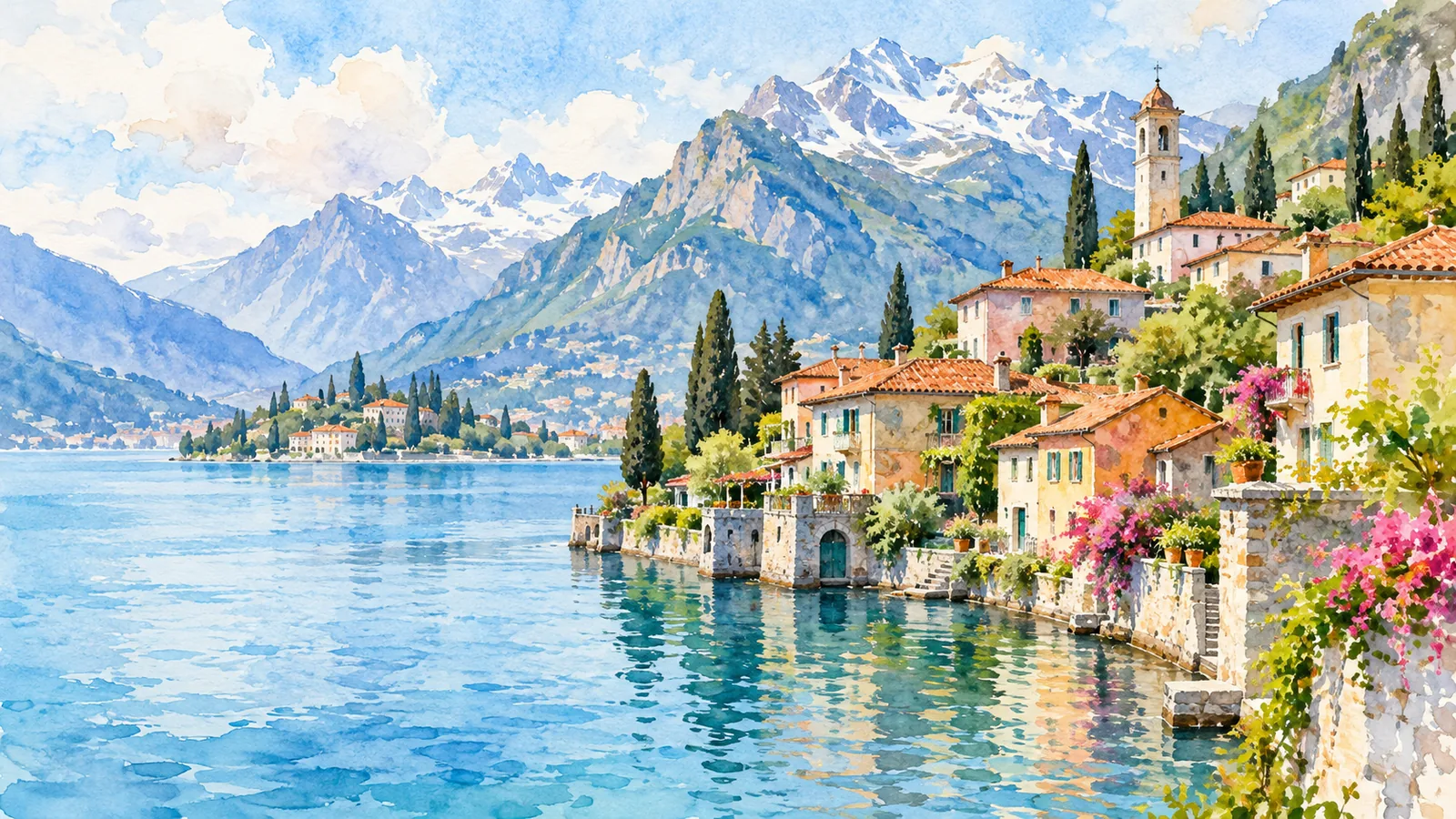
Reimagine a travel photo through translucent color, loose edges, and a paper-like finish. Use the landmarks and composition in your photo to guide the painted scene.
Explore watercolorUpload a photo and describe the style you have in mind.
Ways to use AI Filters in your creative projects.
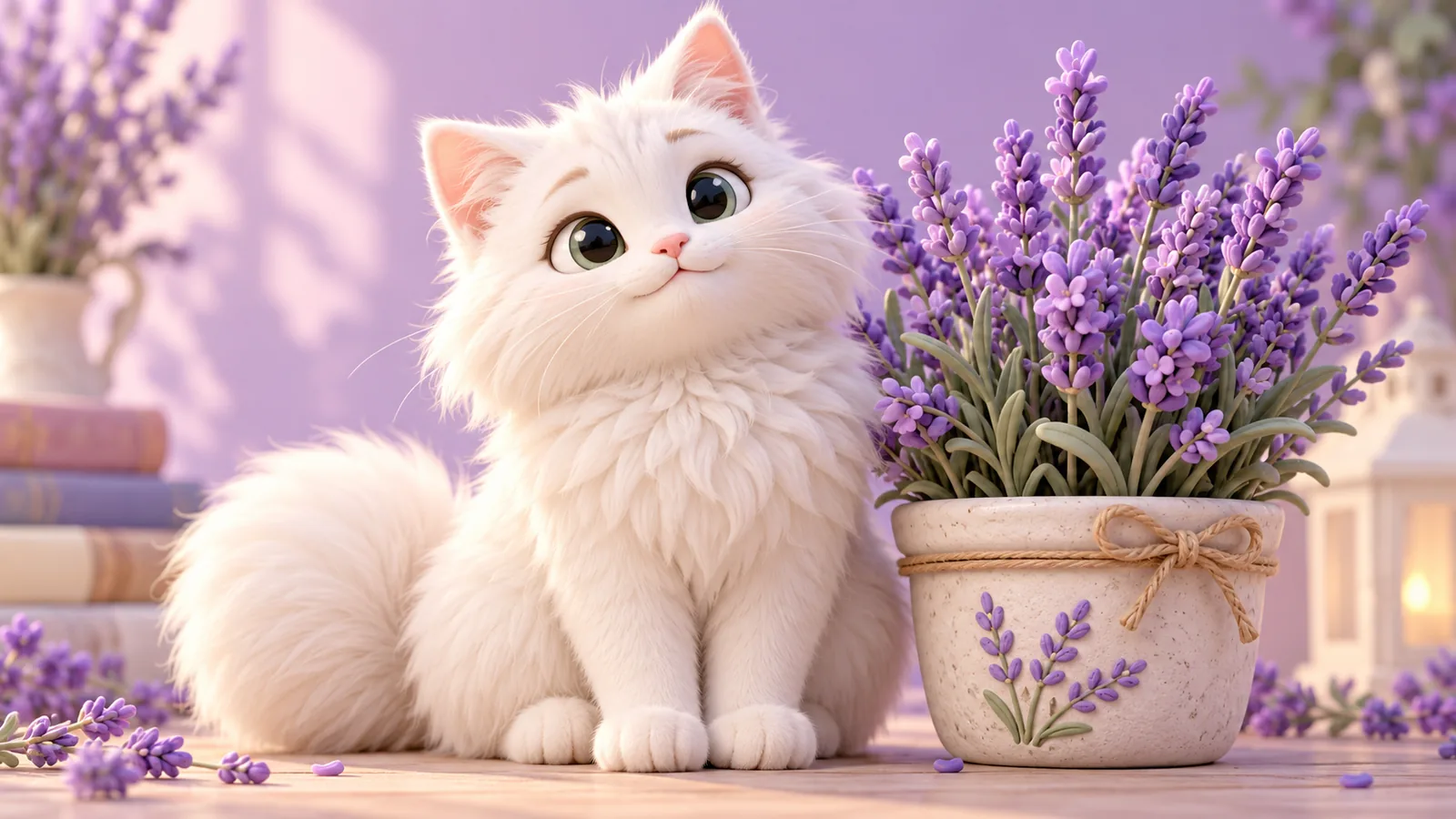
Explore playful illustrated looks for cats, dogs, and other companions.
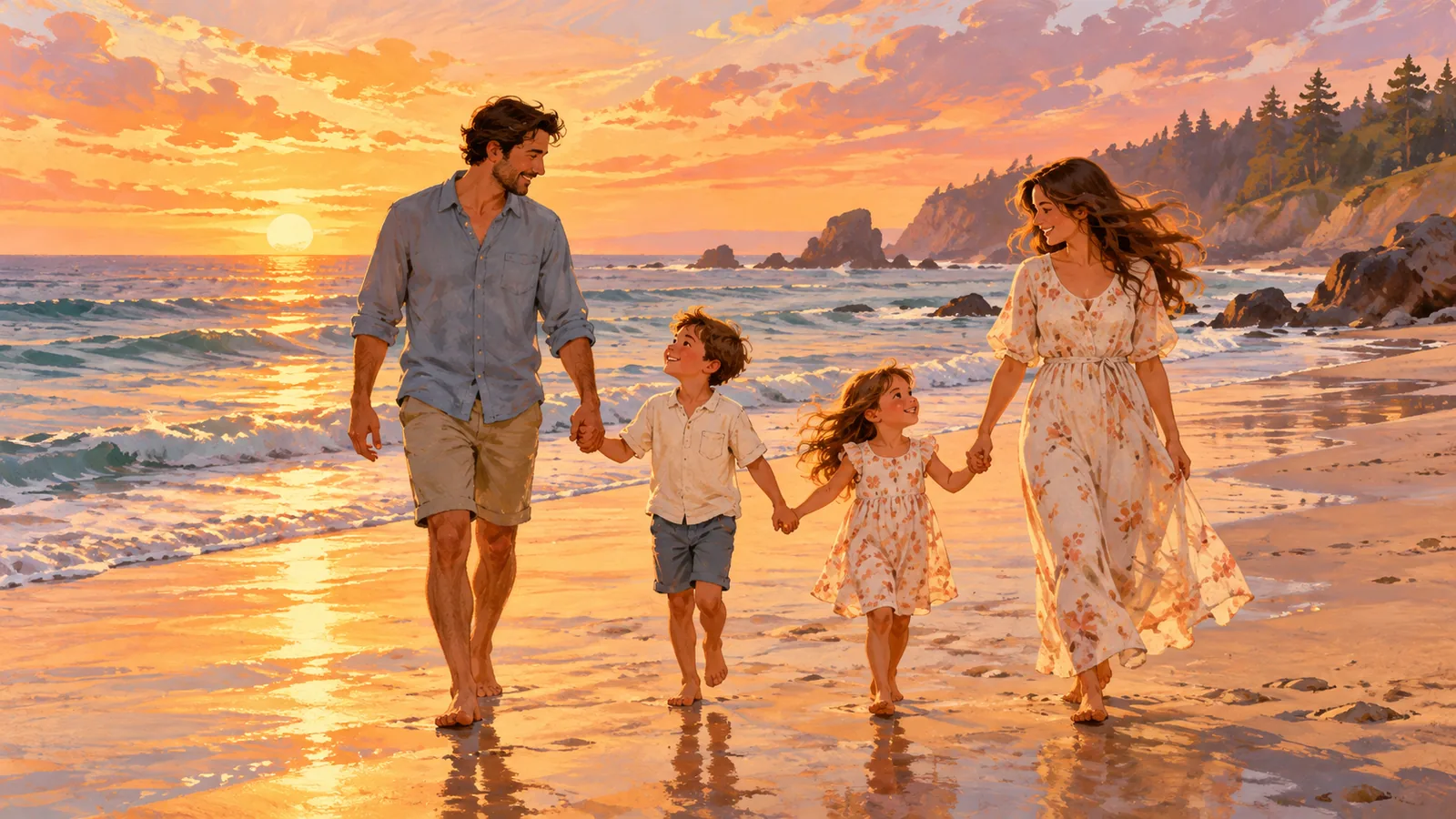
Give a family moment a warm picture-book direction.
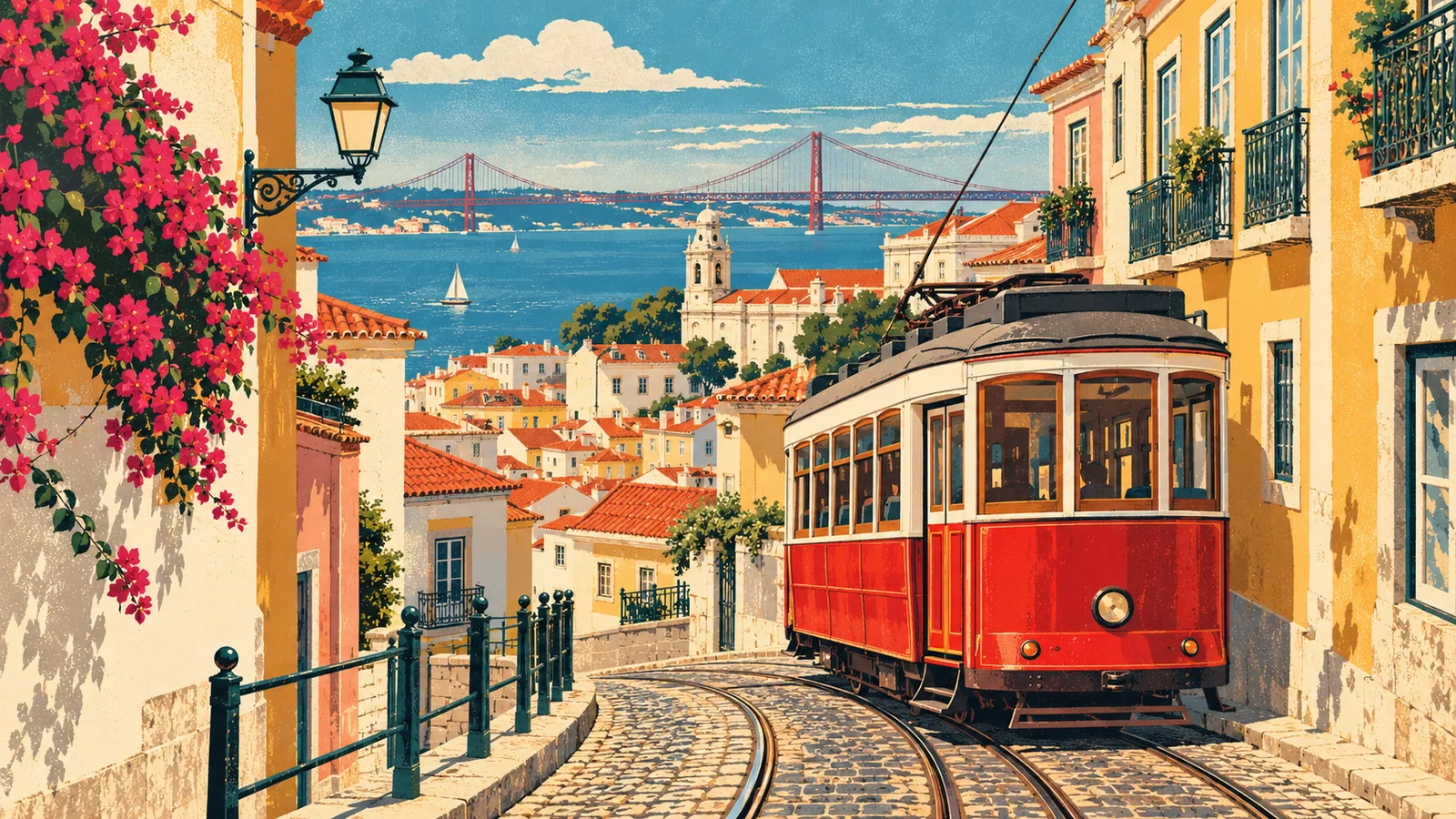
Reimagine a city scene as a retro postcard or illustrated memory.
Find a style that suits your photo without installing an editor or starting from a blank canvas.
Explore the workspaceExplore transformations into anime, painted, cartoon, or retro photographic directions.
Describe the texture, palette, and atmosphere that fit the image you want.
Try 2 image attempts without signing up, shared across Pizu AI image tools.
Upload, describe the look, and generate in your desktop or mobile browser.
AI filters reinterpret an image in a visual style. They can change shapes and details, unlike a simple color overlay.
Describe the effect in the text box, for example: “Turn this into watercolor with soft washes and warm colors.” There is no preset menu.
No. The model is handled internally so you can focus on your photo and creative direction.
No. It is an AI-created illustrative style study prepared for this page, rather than a result generated through Pizu AI. Your own results depend on your photo and instructions.
Sign in, add your prompt and any required reference image, then select Create or Apply filter. Wait for your result and use Download image. Generation time varies. Beta access is limited to 5 generation attempts per account per UTC day, subject to site capacity.
Your reference image and instructions are sent to our image-generation provider, GrsAI, to process your request. Pizu AI stores the task status and result link for retrieval, not your reference photo. Provider retention follows its own policies. Download images promptly because result links may expire.


