Create the images you can imagine
Turn a few words into original characters and imagined worlds. Describe the subject, scene, and visual style to move from a blank canvas to an image you can refine.
Imagine a new scene
— generations remaining today
Resets daily at 00:00 UTC. Shared across all image tools. Accepted attempts, including failed generations, count toward usage.
Create your next scroll-stopper. Big ideas. Studio-quality visuals.
 Sample direction
From imaginative characters to product and poster concepts, turn your words into a visual starting point.
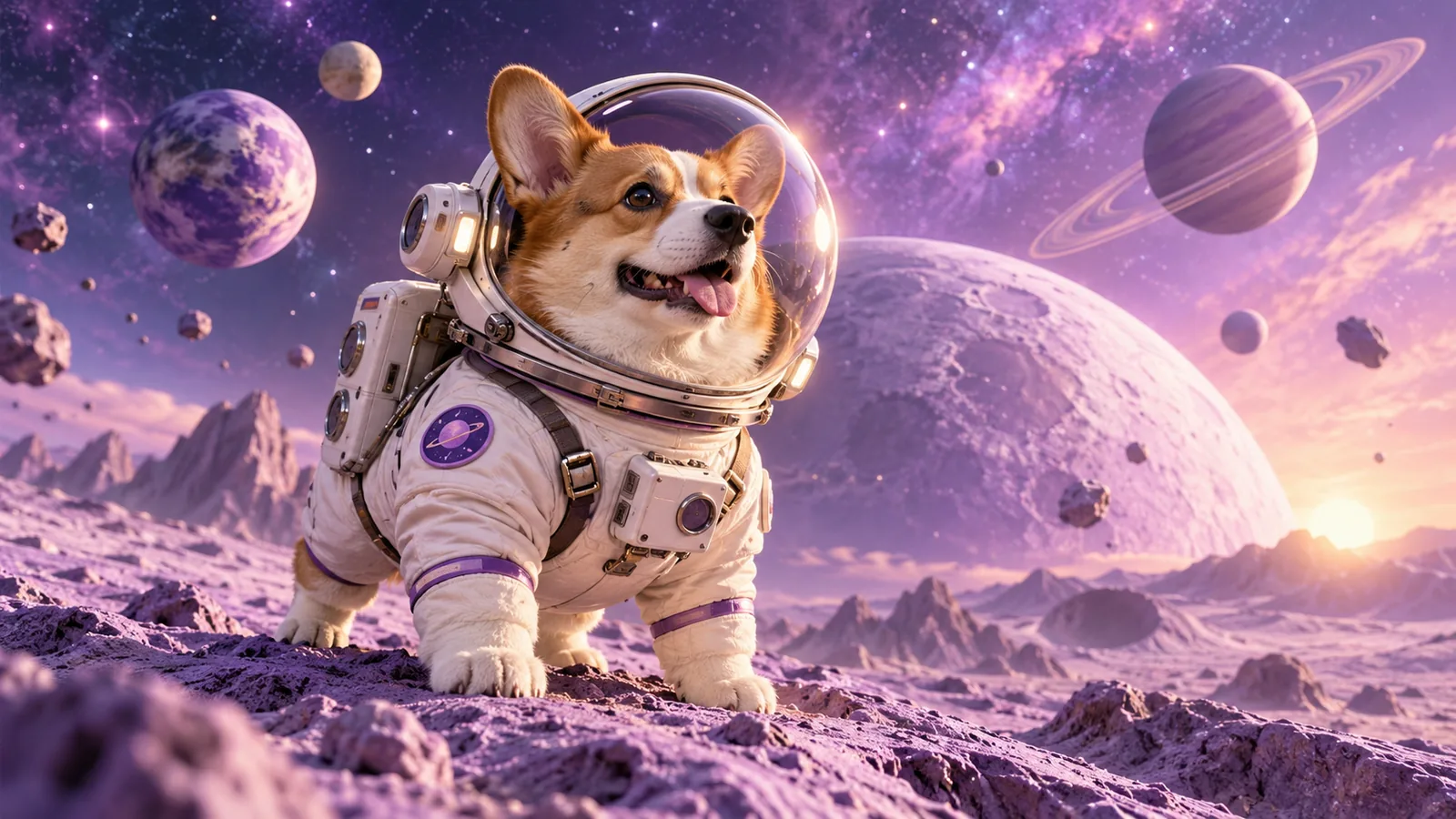
Turn a few words into original characters and imagined worlds. Describe the subject, scene, and visual style to move from a blank canvas to an image you can refine.
Imagine a new scene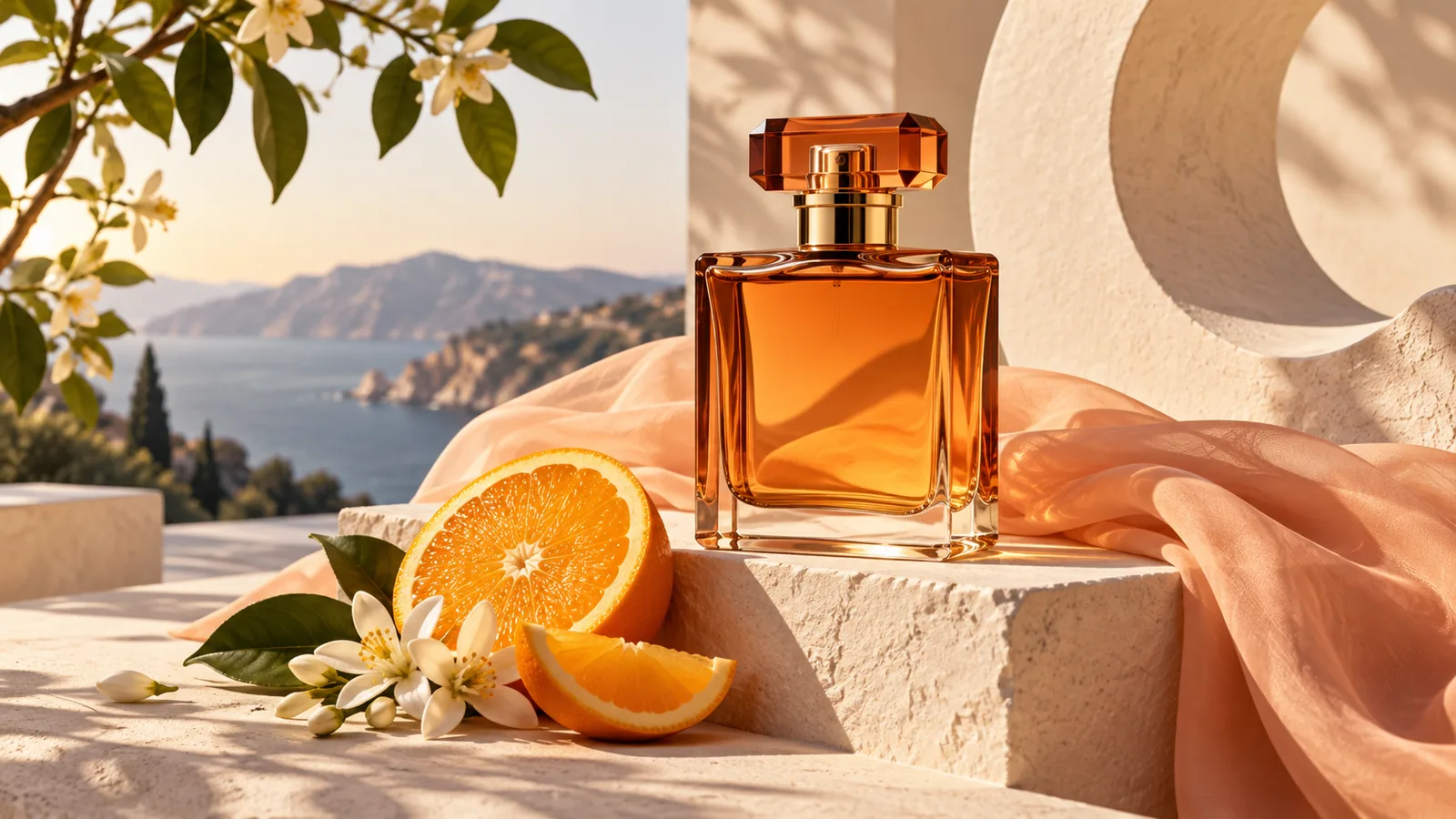
Explore studio lighting, material textures, and coordinated backgrounds for a product concept. Use a reference image when you want your visual direction to start from an existing product.
Explore a product idea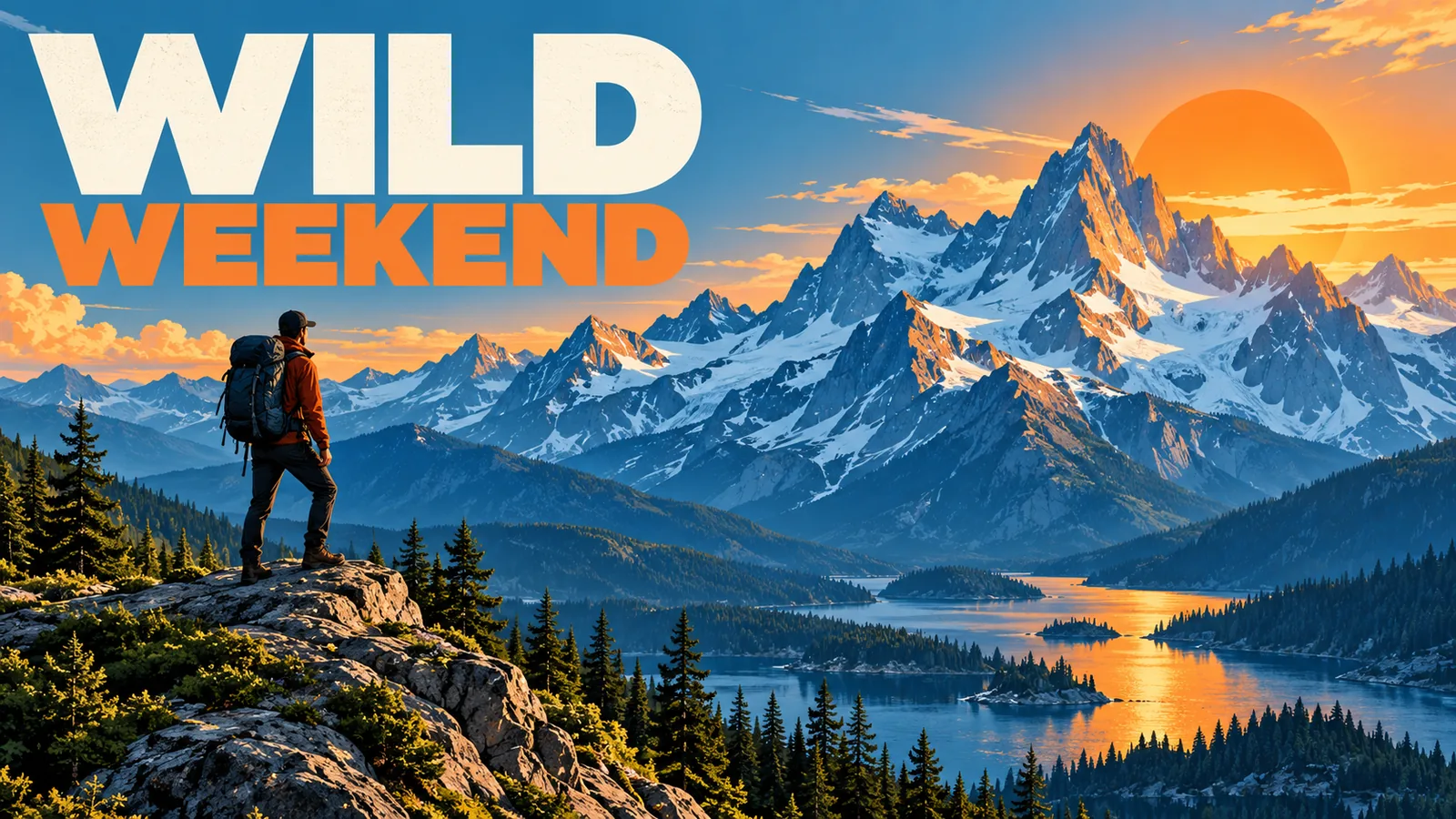
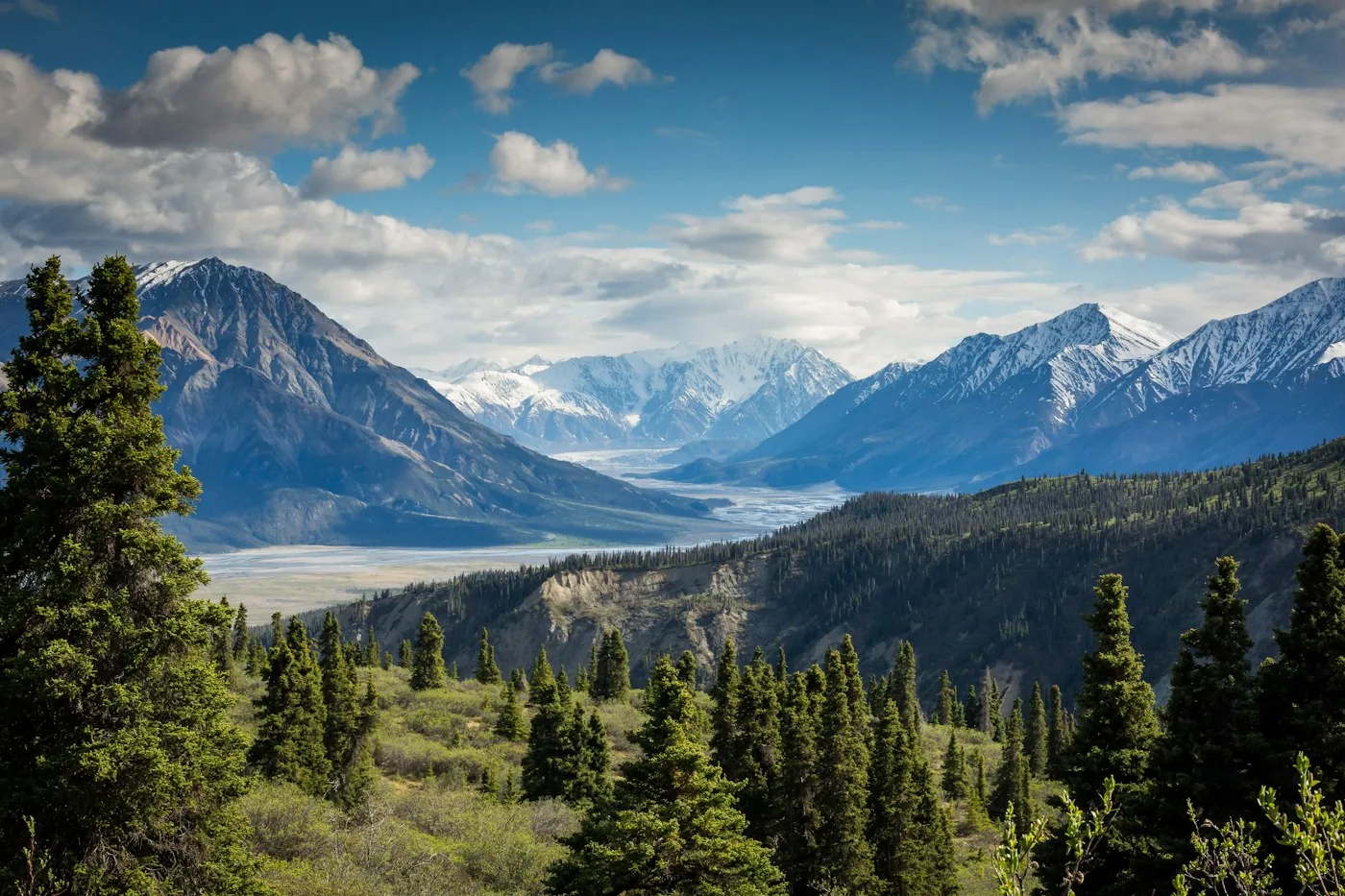
Combine a landscape, a graphic style, and the words you want to include. Create a visual starting point for a poster or social post, then review the lettering before sharing.
Plan a posterStart with a clear idea, then give it a direction.
Ways to use AI Image Generator in your creative projects.
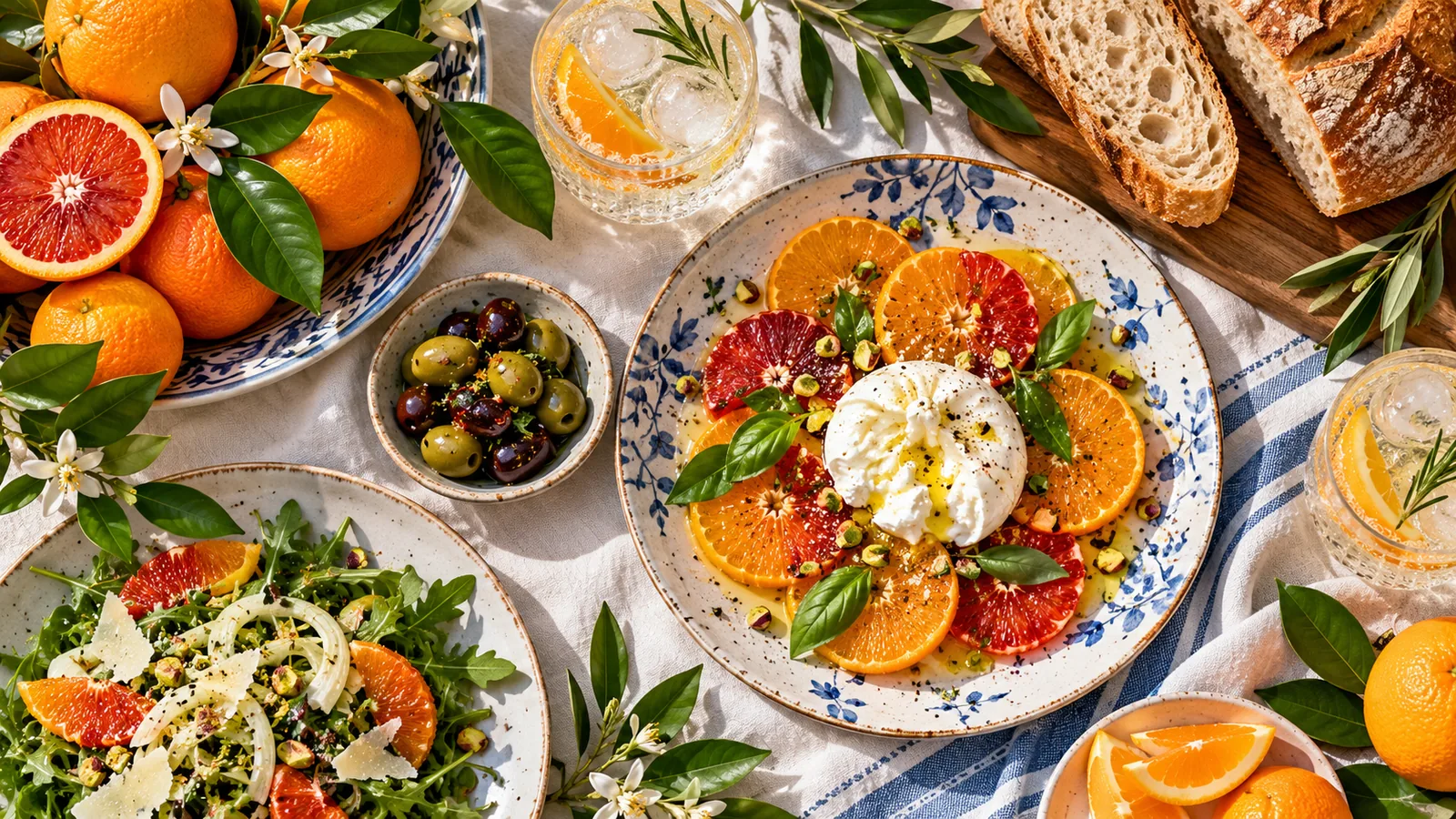
Explore a fresh visual direction for a seasonal menu or social campaign.
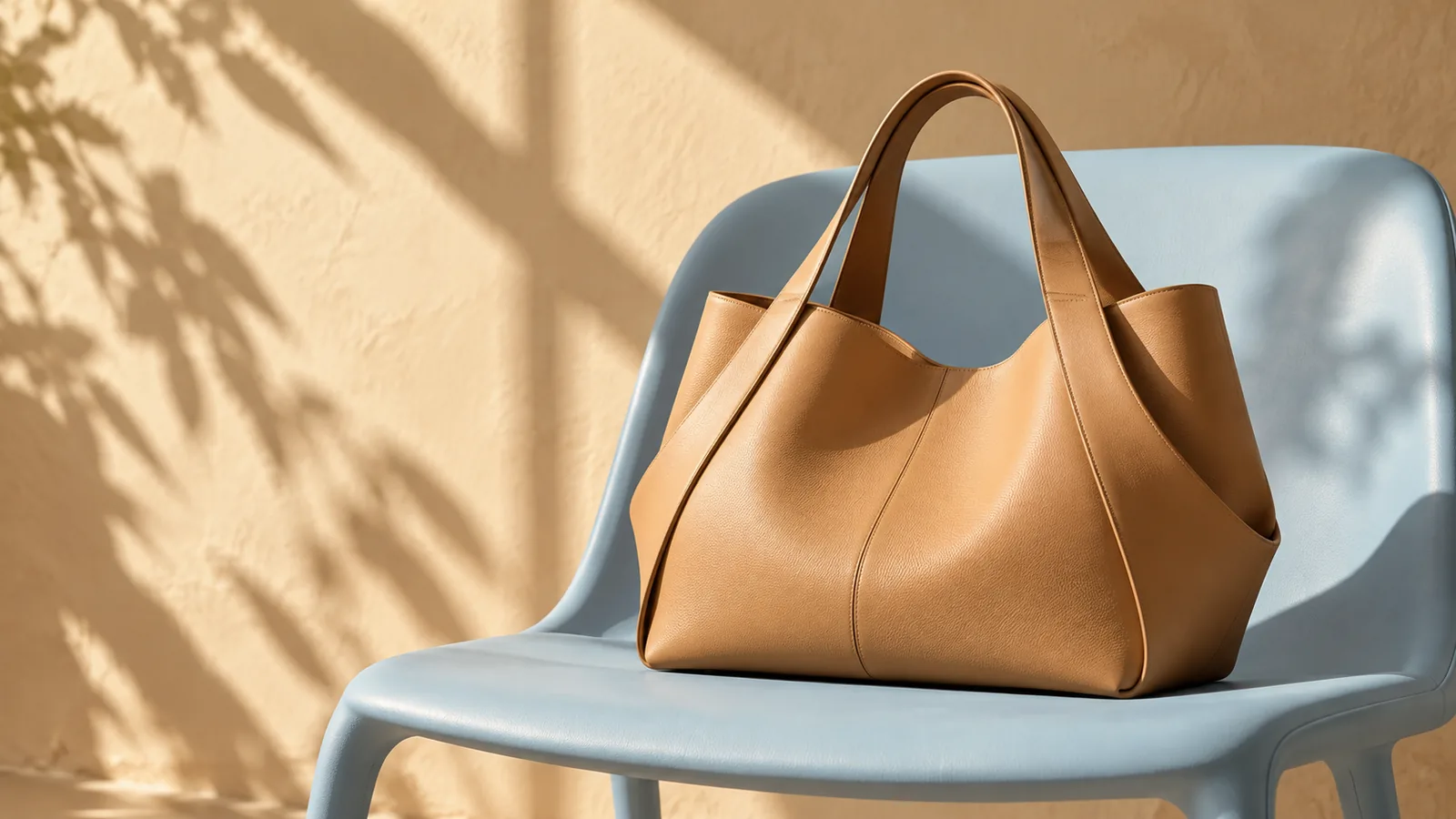
Plan an accessory campaign around materials, color, and a distinctive setting.
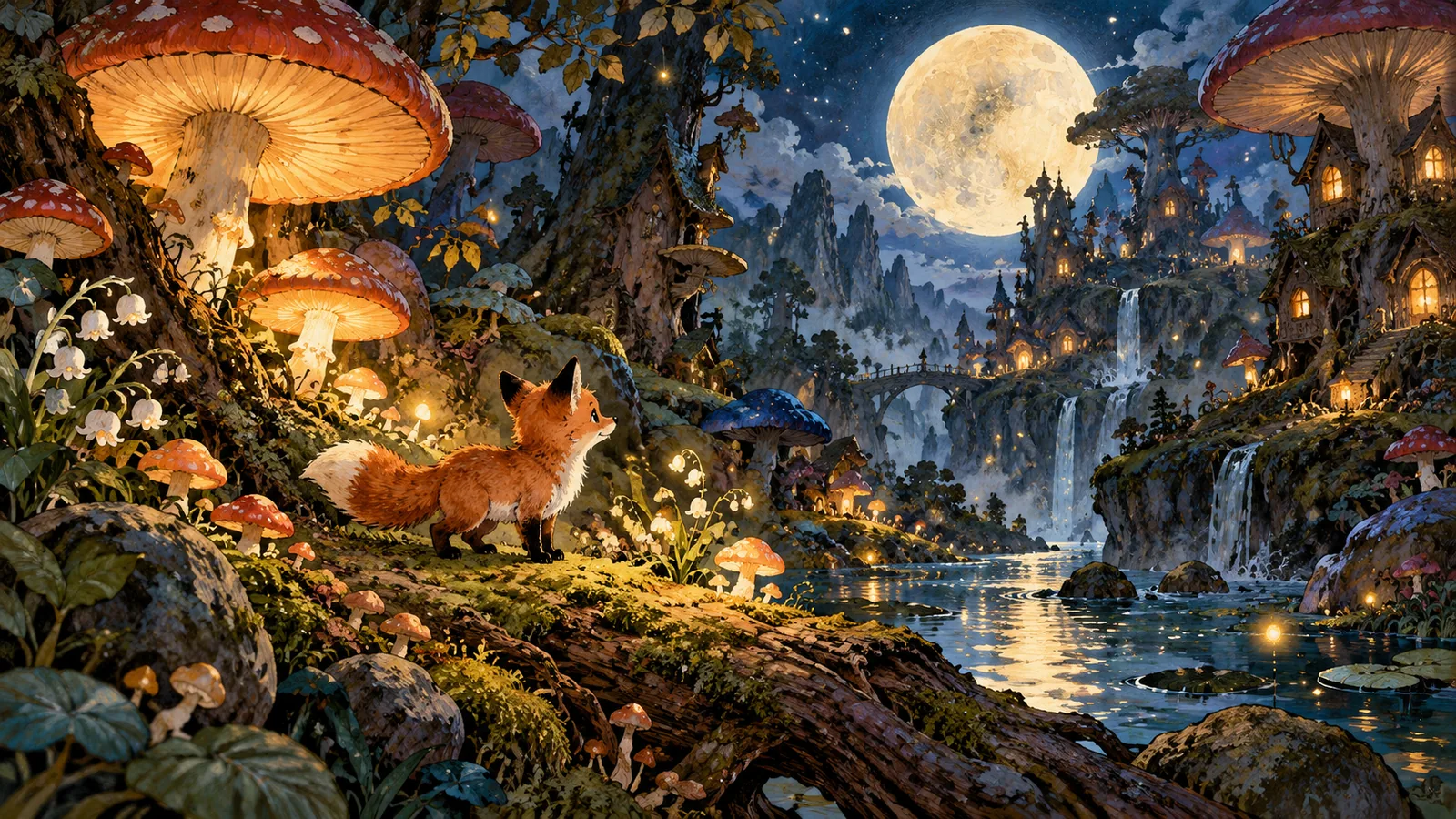
Picture an animal character and its world for your next creative project.
Bring your image idea to life with control over the scene, style, and downloadable result.
Explore the workspaceExplore photorealistic scenes, illustrations, and imaginative characters with a prompt-driven image model.
Describe lighting, color, composition, and style instead of settling for a fixed stock image.
Start with 2 free image attempts without an account. The guest allowance is shared across image tools.
Download PNG or JPG and choose a smaller file-size target for easier sharing.
An AI image generator interprets a written description to create a new image. References can provide extra visual guidance.
No. Start with text alone, or add an image to help communicate a subject or composition.
Name the subject, describe the setting, and add the light, mood, and framing. Specific visual details are more useful than a long list of quality adjectives.
Sign in, add your prompt and any required reference image, then select Create or Apply filter. Wait for your result and use Download image. Generation time varies. Beta access is limited to 5 generation attempts per account per UTC day, subject to site capacity.
GPT Image 2 is available for generation and editing. Nano Banana is temporarily unavailable and cannot be selected.
Your reference image and instructions are sent to our image-generation provider, GrsAI, to process your request. Pizu AI stores the task status and result link for retrieval, not your reference photo. Provider retention follows its own policies. Download images promptly because result links may expire.


