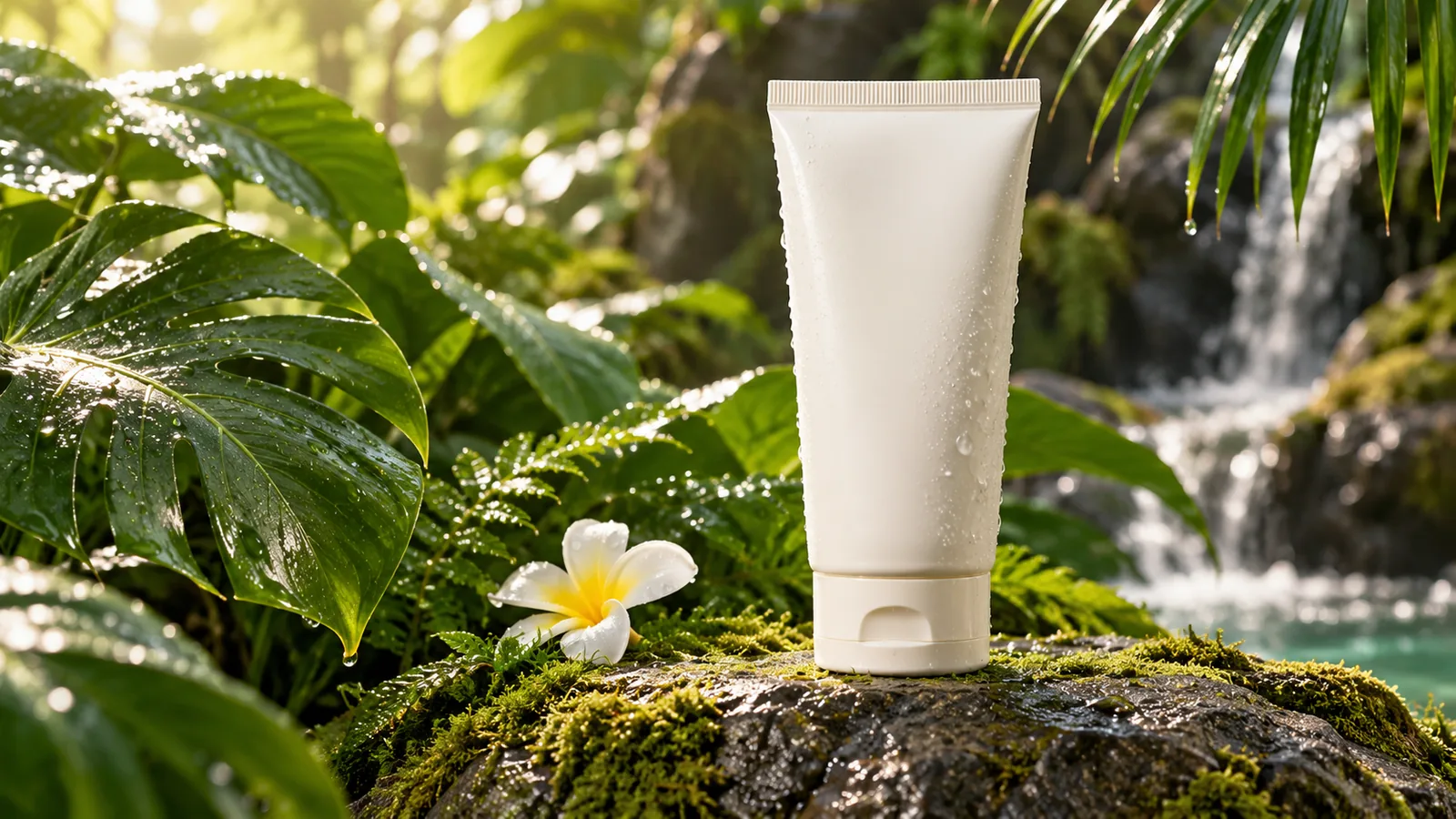
Refresh product photos with a new backdrop
Give an existing product image a different setting, surface, or lighting direction. Describe the packaging details you want to retain while exploring a new campaign mood.
Reimagine a backdrop
— generations remaining today
Resets daily at 00:00 UTC. Shared across all image tools. Accepted attempts, including failed generations, count toward usage.
Bring a photo. Give it a new direction.
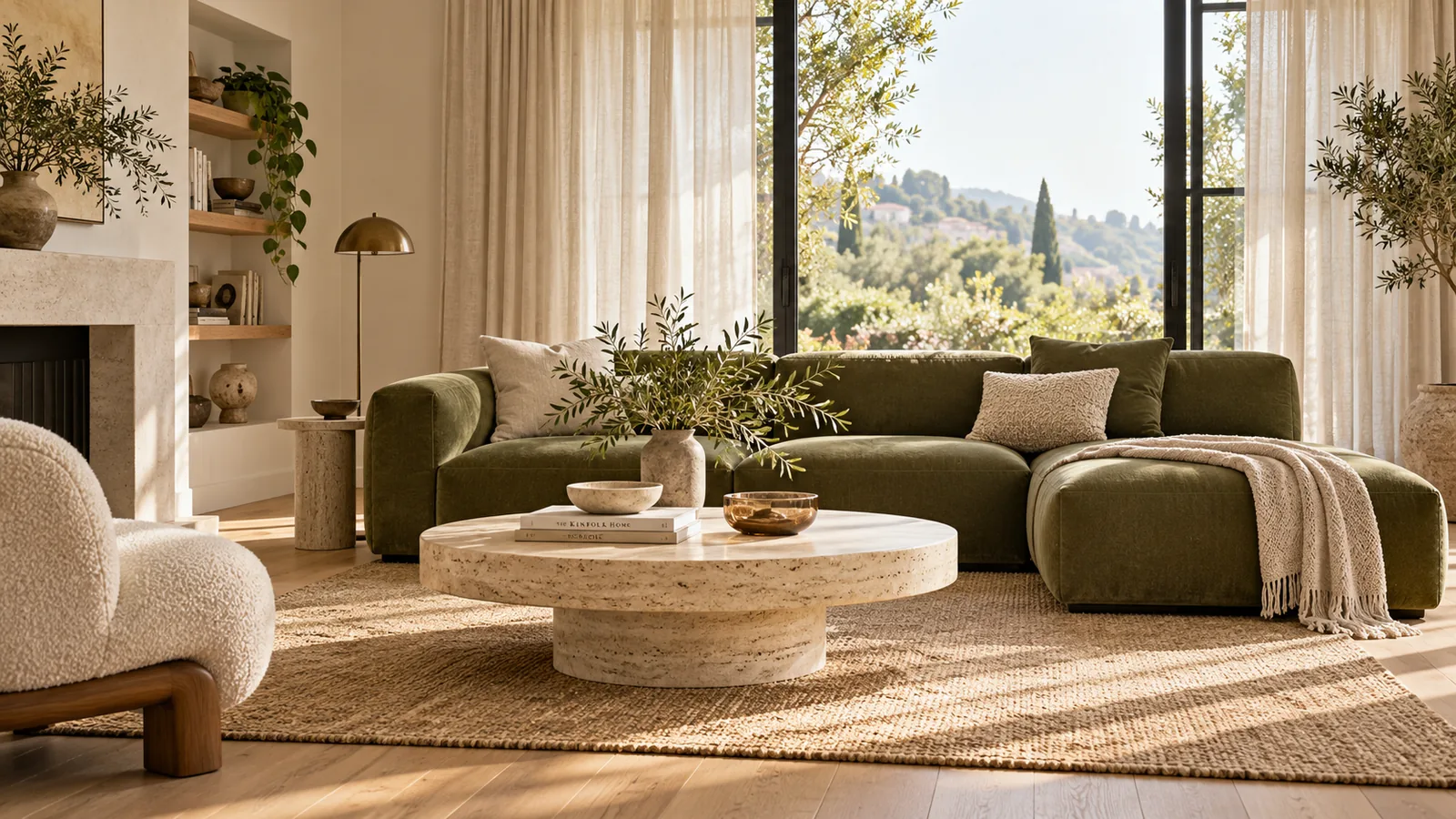 Interior concept
Keep a visual starting point while exploring a new setting, interior mood, or illustrated treatment.
Give an existing product image a different setting, surface, or lighting direction. Describe the packaging details you want to retain while exploring a new campaign mood.
Reimagine a backdropExplore warmer materials, a new color palette, or a different interior mood using your own room photo. Your reference provides a starting layout, so you do not need to describe the space from scratch.
Restyle a room
Reimagine a photo with friends or family as a coordinated illustration. Guide the clothing, positions, and overall style to create a personal image for a digital card or shared post.
Illustrate a group photoUse your original image to explain where to begin.
Ways to use Image to Image in your creative projects.
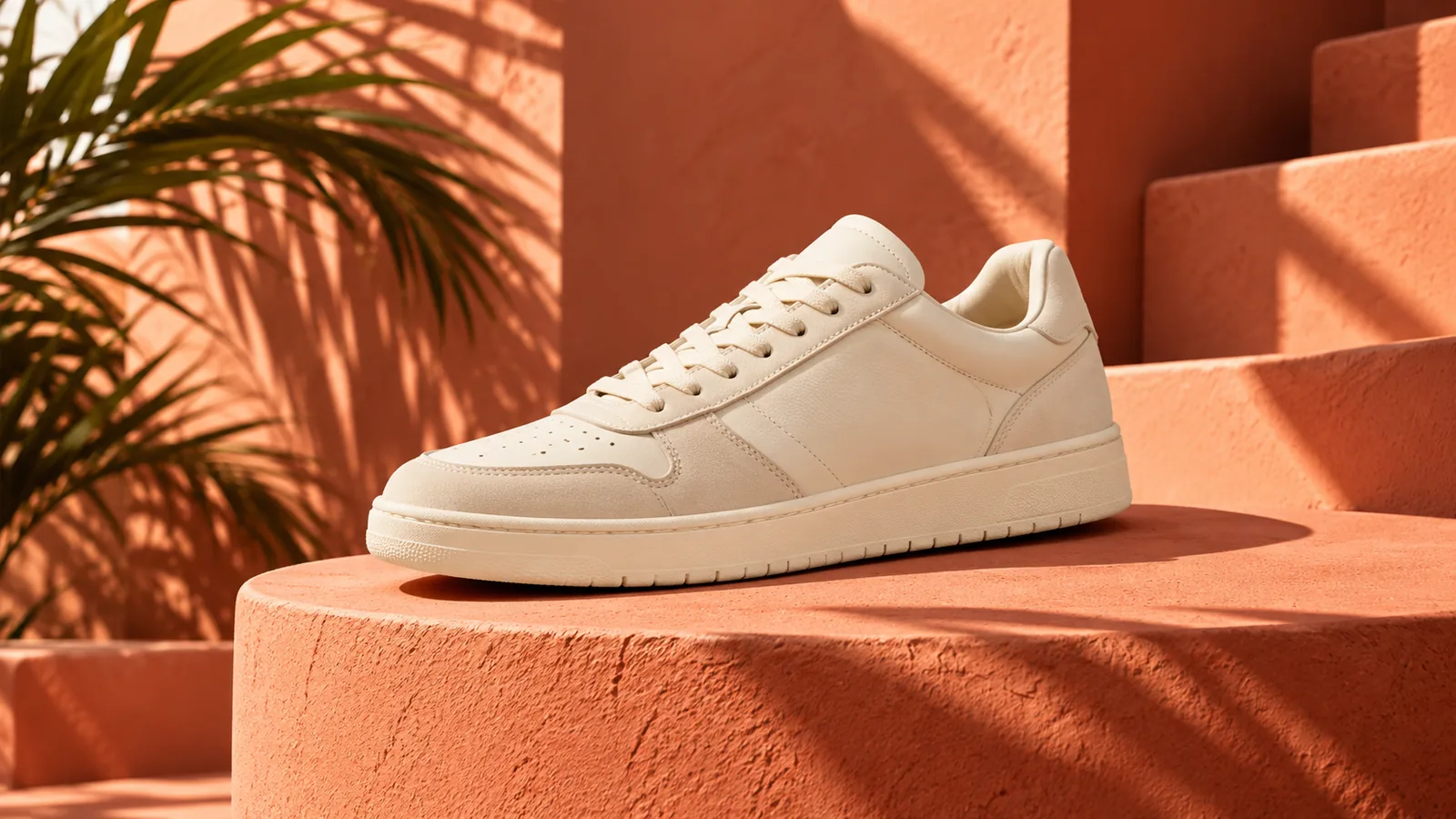
Use a product reference to explore another setting for a campaign.
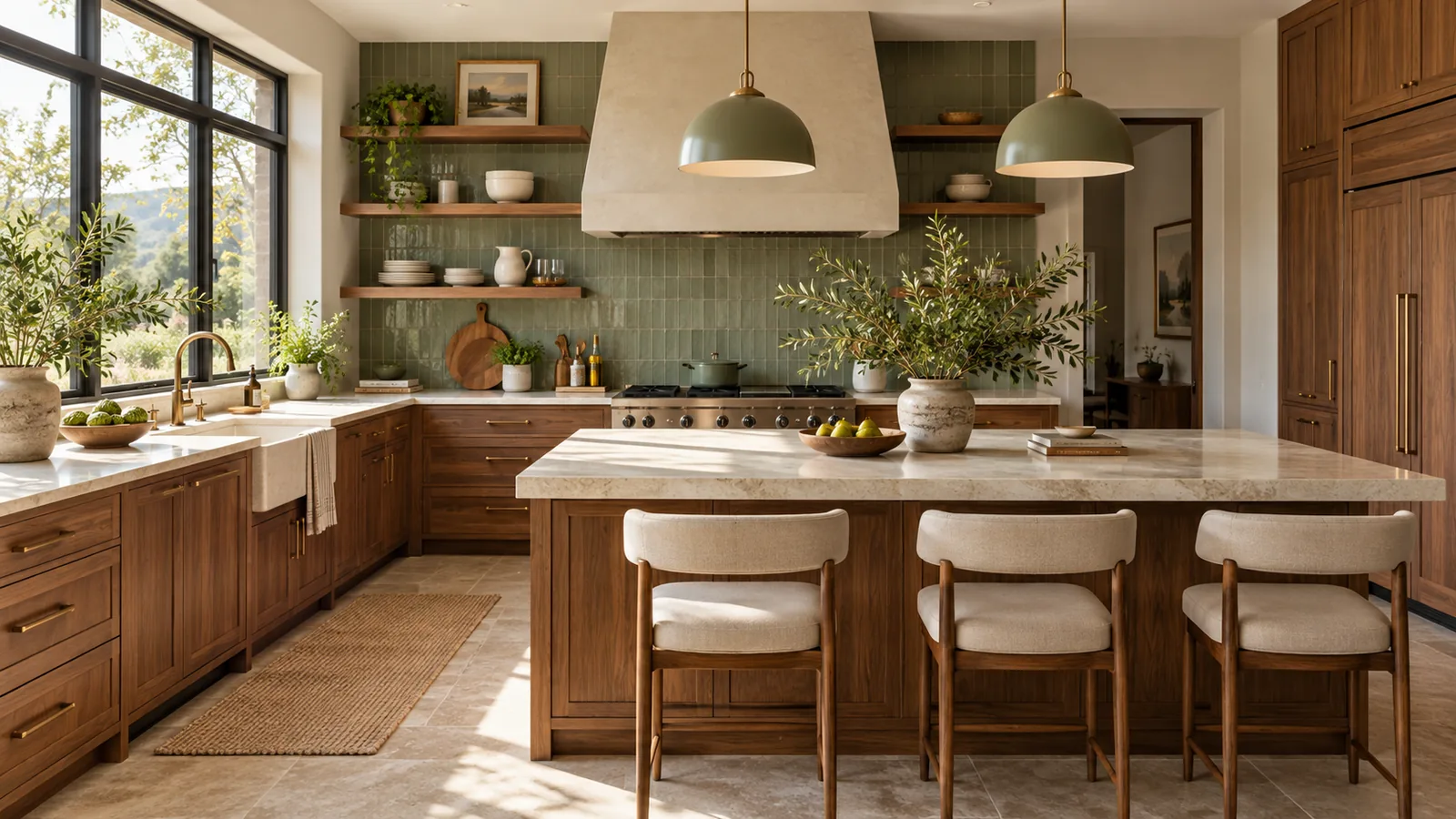
Describe a material and color direction for a kitchen or living space.
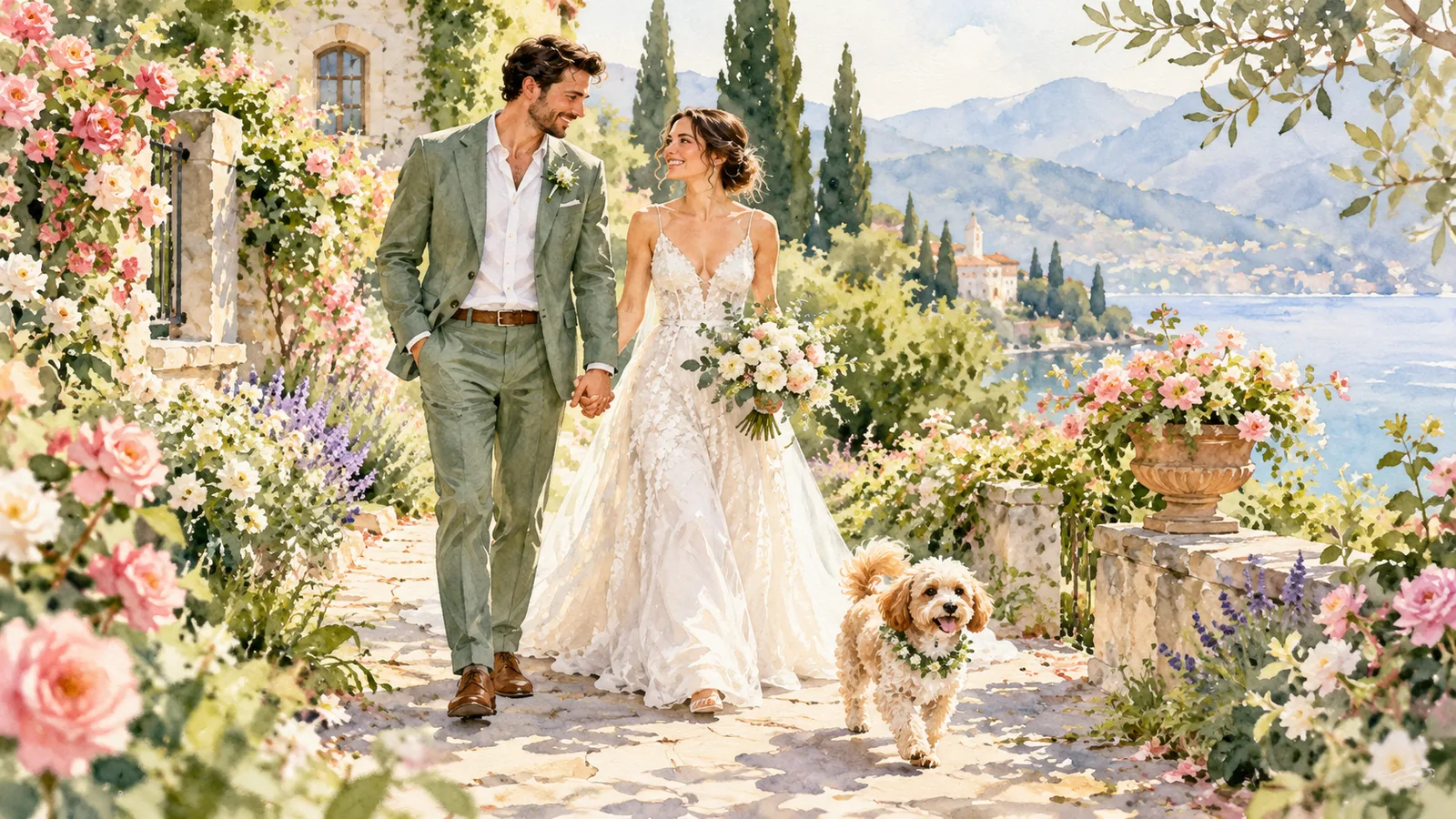
Explore a watercolor interpretation of a couple, family, or shared moment.
Spend less time describing what you already have and more time shaping the changes you want.
Explore the workspaceUse a concrete reference to guide the subject and composition of your next version.
Ask for a different background, lighting mood, or art style without painting masks or learning editing tools.
Use the shared 2-attempt guest image allowance without registering.
Inspect the generated image and choose PNG or JPG from the download controls.
Image to image uses an existing image and written instructions as the starting point for a new visual.
No. Generative edits may change details, including faces, text, and objects. Clear instructions help communicate what matters, but exact preservation is not guaranteed.
Image to Image offers a model choice and instructions for broader edits. AI Filters provides a simpler upload-and-describe workflow focused on restyling your photo.
Sign in, add your prompt and any required reference image, then select Create or Apply filter. Wait for your result and use Download image. Generation time varies. Beta access is limited to 5 generation attempts per account per UTC day, subject to site capacity.
GPT Image 2 is available for generation and editing. Nano Banana is temporarily unavailable and cannot be selected.
Your reference image and instructions are sent to our image-generation provider, GrsAI, to process your request. Pizu AI stores the task status and result link for retrieval, not your reference photo. Provider retention follows its own policies. Download images promptly because result links may expire.


