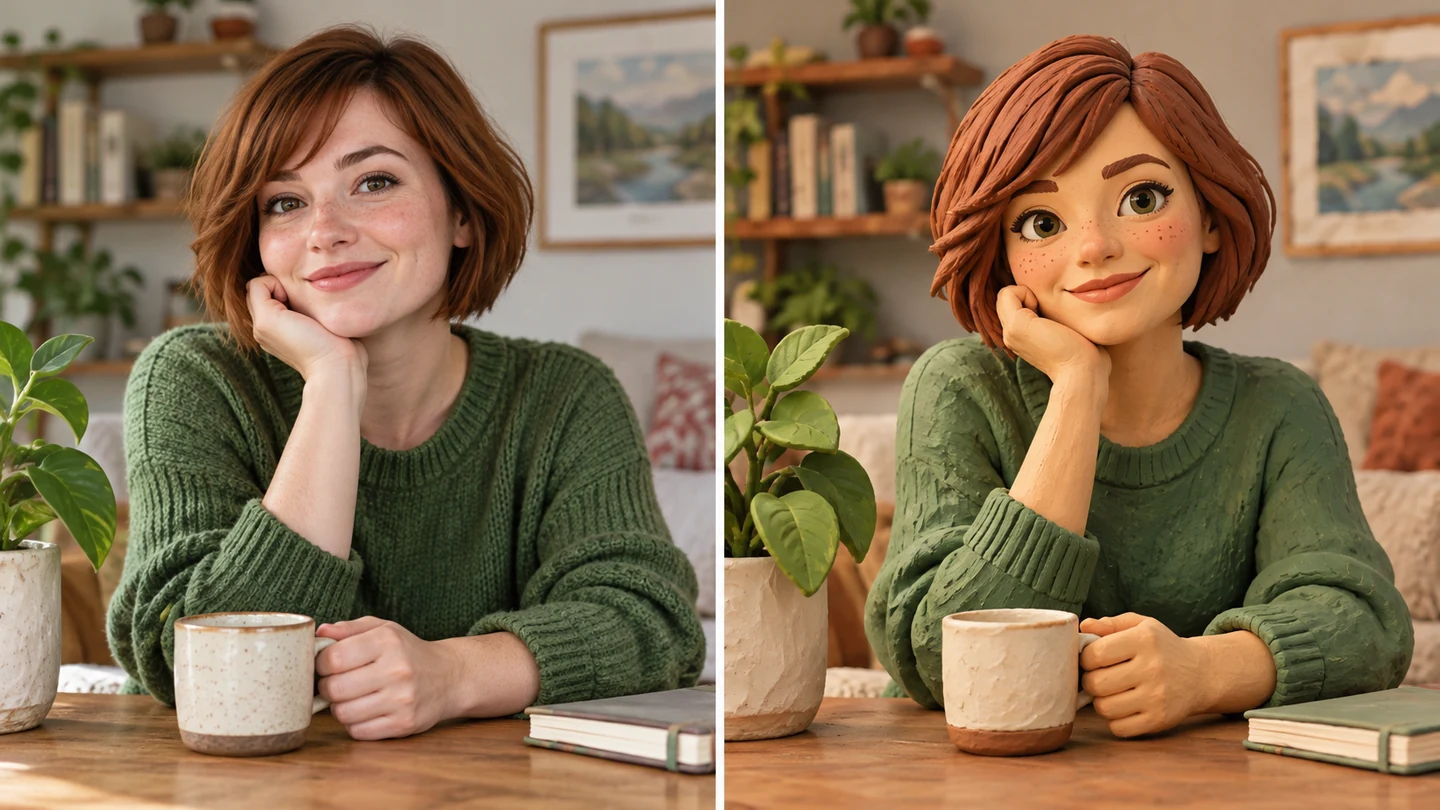
Turn portraits into tactile clay-style characters
Explore rounded facial forms, sculpted hair, and softly matte surfaces. Your photo guides the pose and appearance while the clay prompt adds a handmade character direction.
Try your clay portrait
— generations remaining today
Resets daily at 00:00 UTC. Shared across all image tools. Accepted attempts, including failed generations, count toward usage.
Reimagine your photo as playful clay-style art with rounded forms and a handmade feel.
Illustrative style studyExplore sculpted characters, miniature scenes, and playful proportions with a handmade clay look.
Explore rounded facial forms, sculpted hair, and softly matte surfaces. Your photo guides the pose and appearance while the clay prompt adds a handmade character direction.
Try your clay portrait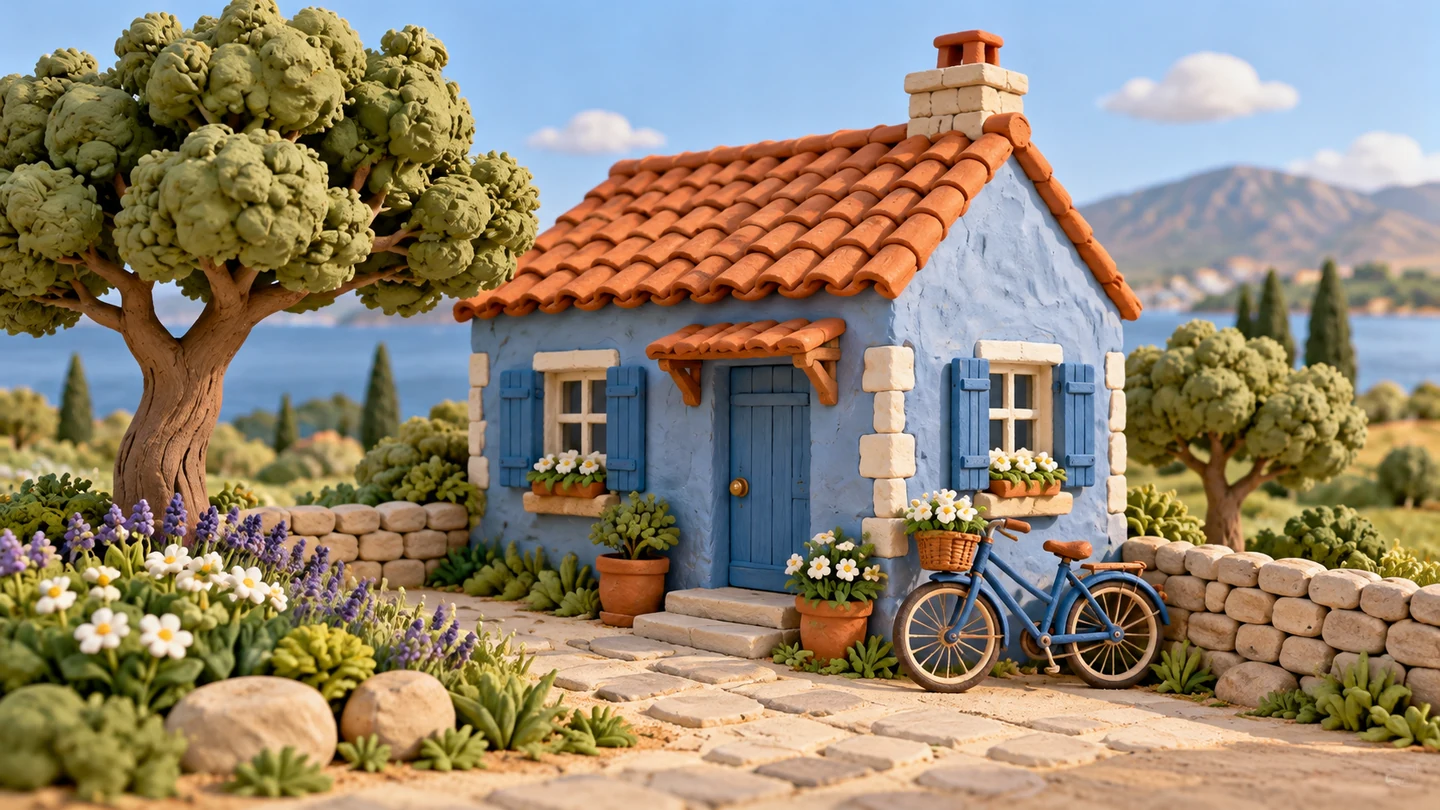
Give a house, a pet, or an everyday scene a playful modeled-material look. Ask for clay scenery and softly lit surfaces to carry the same handmade mood across the image.
Create a clay-style scene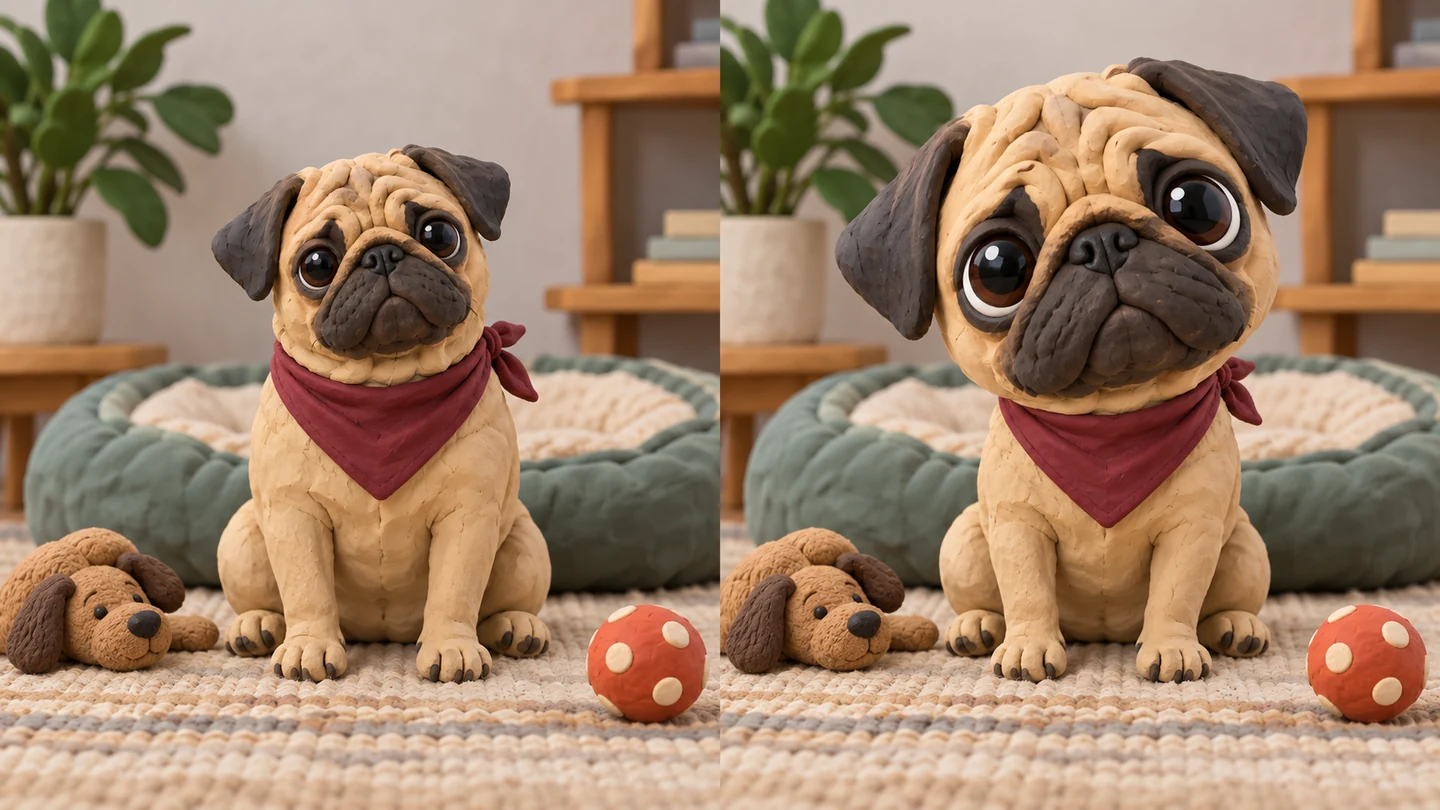
Keep the character closer to your photo or request an oversized head and softer shapes. Customize small dents, smooth surfaces, and lighting to guide the clay finish.
Shape your clay lookUpload a photo and apply the ready-made clay style. The prompt is already filled in and can be edited.
 01
Upload one JPG, PNG, or WebP image up to 10 MB. Choose clear faces or simple subjects with readable outlines.
 02
The prompt is filled in for this style. Keep it as it is and generate, or edit it to adjust the treatment. No writing is required.
 03
Select Apply filter, inspect the faces and objects, then download. Sign in with Google when your guest allowance is used.
Ways to use AI Clay Filter in your creative projects.
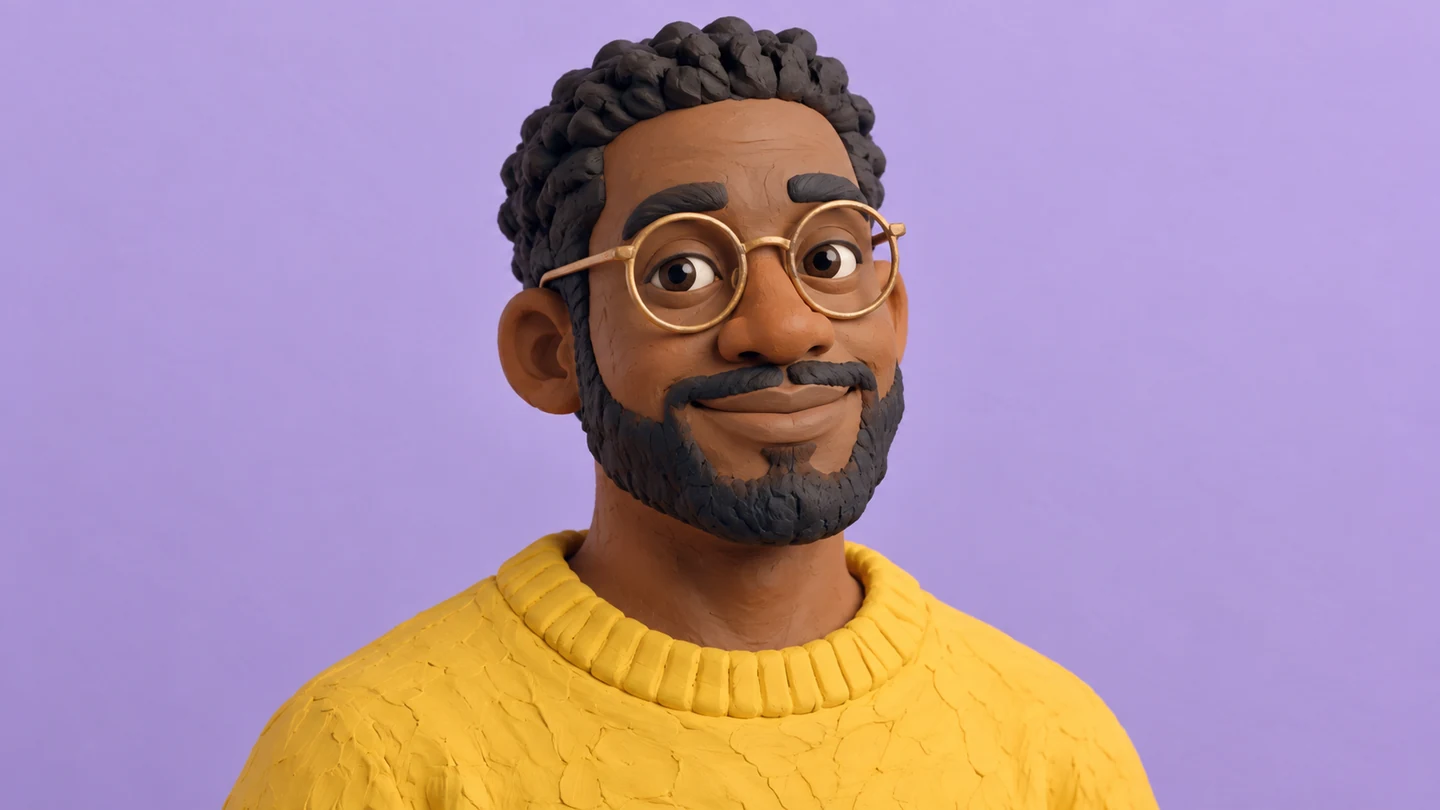
Explore a clay-style character from a portrait for a personal profile or community image.
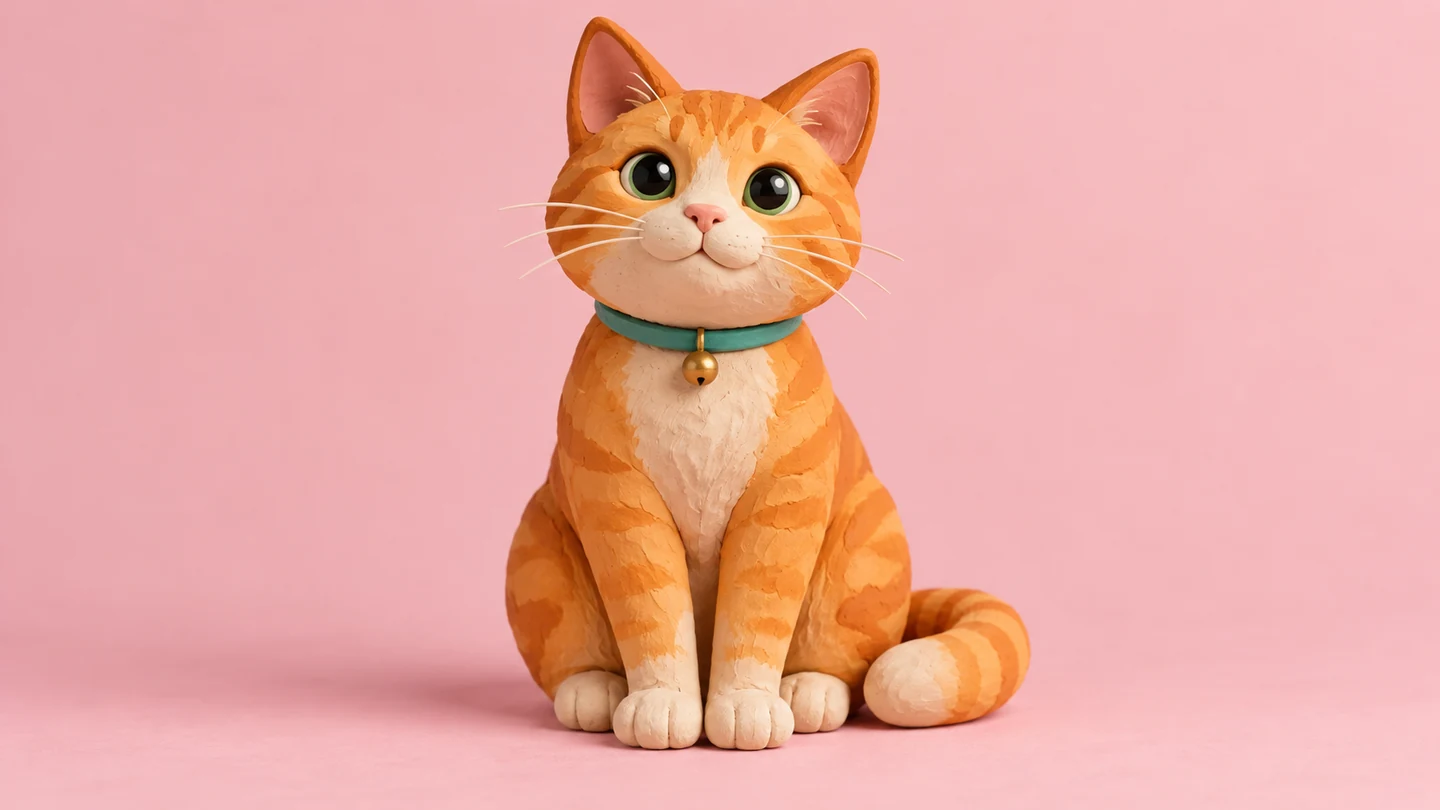
Use a favorite pet photo to suggest a small sculpted companion for a creative project.

Turn a photo with friends into a playful clay-style scene for a personal post or digital card.
Reimagine your photo as tactile clay-style art without sculpting or 3D software.
Explore the workspaceGuide matte clay surfaces, rounded forms, and sculpted details with the dedicated preset.
Ask for a subtler likeness or more playful shapes through the editable prompt.
Use the shared 2 guest image attempts without creating an account.
Upload a photo and generate a flat clay-style image directly in your browser.
It generates a new image that interprets your photo as modeled clay, using rounded forms, sculpted details, and a handmade surface.
No. Clay styling simplifies and changes features. Describe the hair, expression, clothing, and pose you want to keep, then review the generated likeness.
Yes, you can upload a pet, object, or scene photo and request the same clay treatment. Simple compositions usually make the subject easier to read.
No. It creates a still raster image. Video and animation are coming soon; 3D meshes, physical figures, and printing files are not provided.
Yes. You can submit two guest attempts per UTC day, then sign in with Google to continue up to five total daily attempts across Pizu AI tools. Site capacity also applies. Attempts can count even if generation fails. Paid upgrades are not available yet.
Your photo and instructions are sent to GrsAI for processing. Pizu AI keeps task status and the result link rather than your source photo or prompt. Provider retention follows its own policies. Save the result promptly because links may expire.
The images on this page are AI-created visual studies, not measured Pizu AI outputs. They show possible creative directions. Your result depends on the source image and instructions and may differ.