Pizu AI

Photo to Cartoon

Turn a favorite photo—or a fresh idea—into a cartoon.

462 / 4000

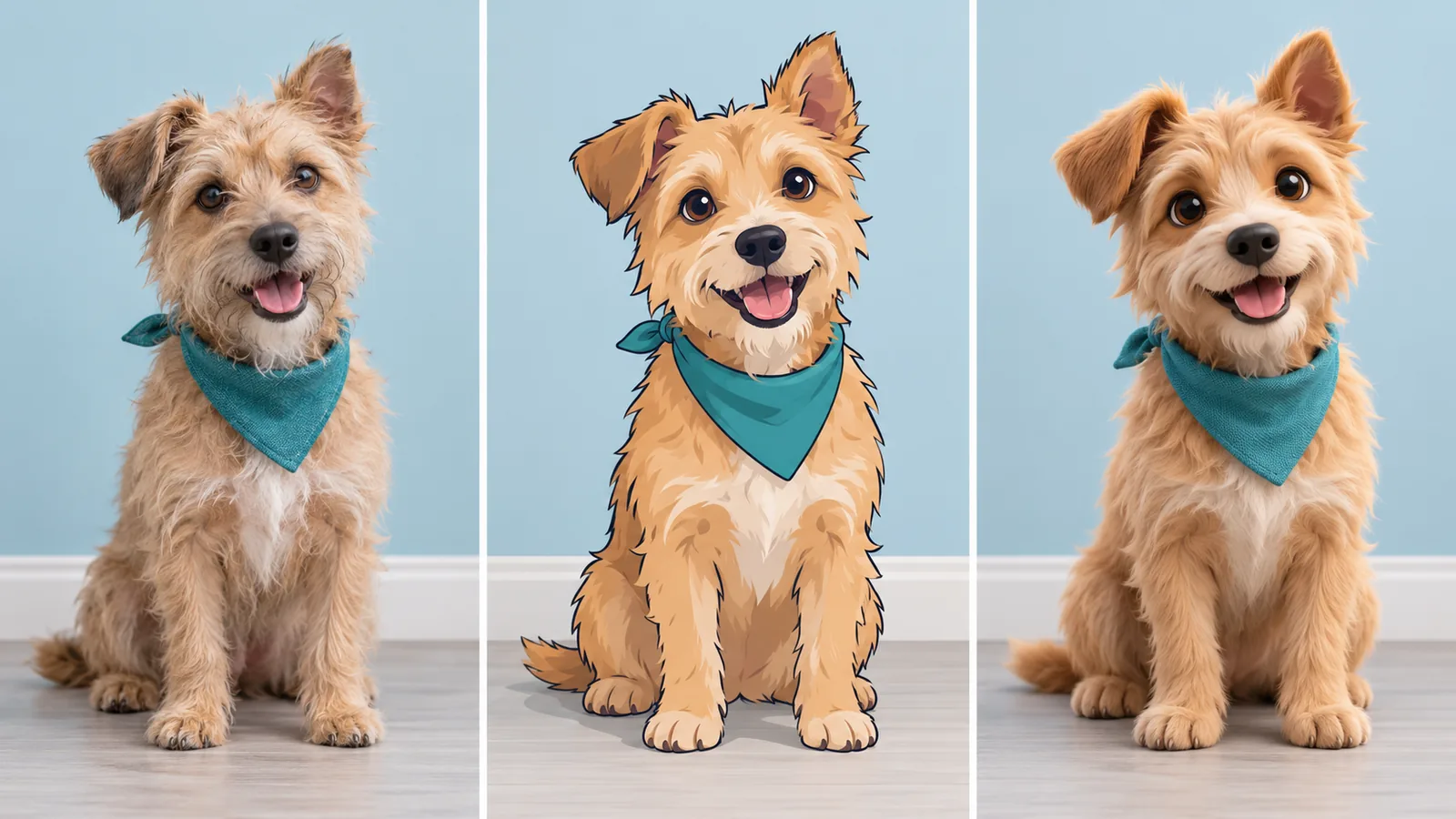
The same terrier as a photo, flat cartoon and rounded 3D cartoonCartoon style study

Key Features of Photo to Cartoon

Create a cartoon look that suits your subject, from expressive pet characters to illustrated family memories.

Matched terrier photo, 2D cartoon and 3D cartoon interpretations

Choose a flat cartoon or a rounded 3D look

Turn a photo into a cartoon direction that suits your character: bold outlines and clean color, or rounded forms with soft lighting. Customize the ready-made prompt to guide the finish.

Cartoonize your photo
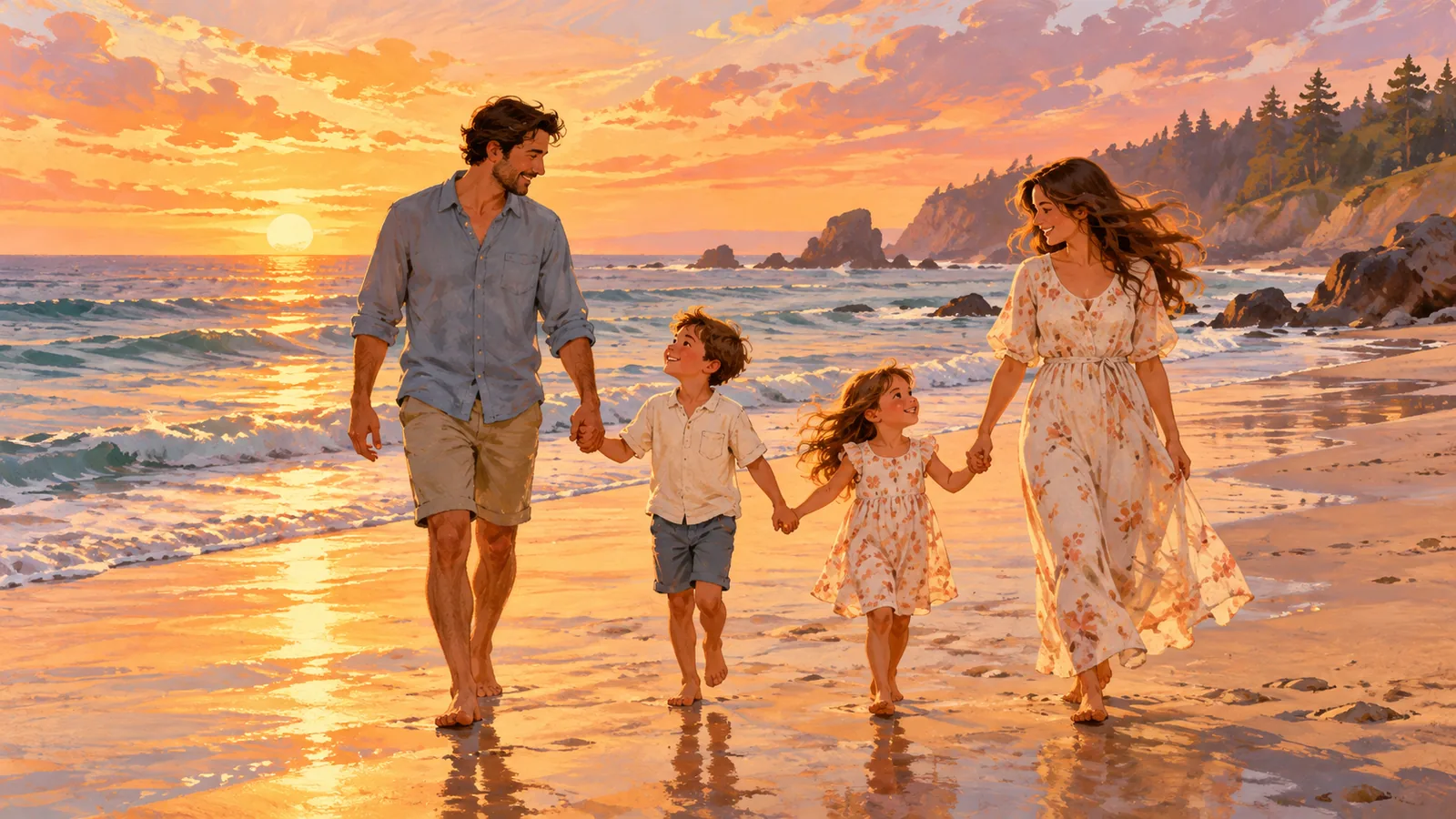
Illustrated family of four walking together along a sunset beach

Make family photos into cartoon keepsakes

Give a shared moment a storybook feel with a coordinated cartoon treatment. Use your photo to guide the people, clothing, and setting for a personal card or profile image.

Try a group photo
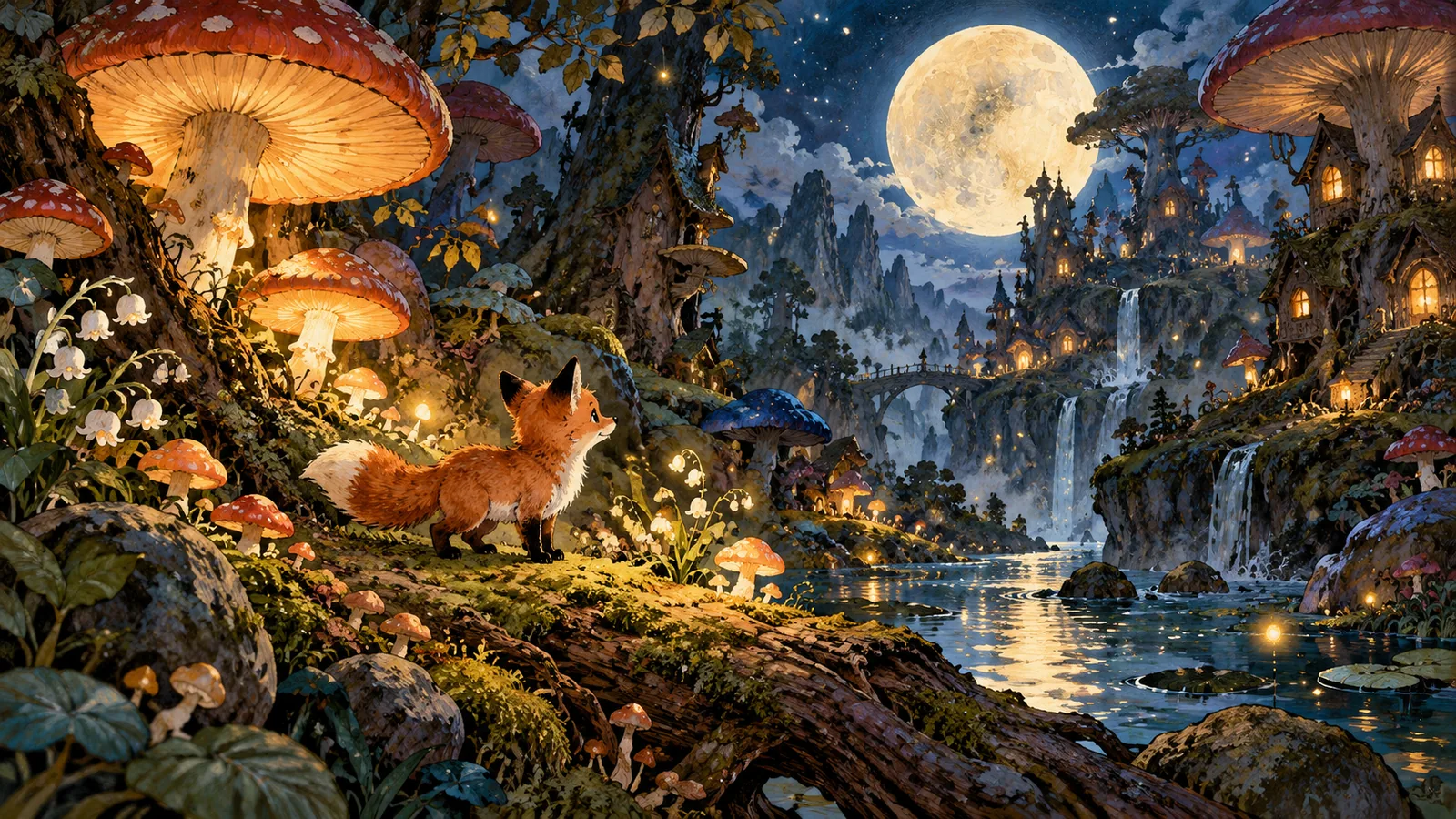
An imaginative animal character in a storybook scene

Create cartoon characters from an idea

No reference photo? Switch to text mode and describe your character and scene. Build an animal adventurer, a playful mascot concept, or a storybook world from words.

Create a cartoon from text

How to use Photo to Cartoon

Upload a photo and apply the ready-made cartoon style. The prompt is already filled in and can be edited.

  1. Choose your starting point: enlarged view of the relevant workspace control01

    Choose your starting point

    Upload a clear JPG, PNG, or WebP photo up to 10 MB. Or switch to text mode to start without a photo.

  2. Use the ready-made prompt: enlarged view of the relevant workspace control02

    Use the ready-made prompt

    In photo mode, the style prompt is already filled in. Keep it as it is or edit it. Choose From a prompt only when you want to describe a new scene without a photo.

  3. Create and download: enlarged view of the relevant workspace control03

    Create and download

    Sign in and generate. Review the image, then download it or adjust your instructions for another version.

Made for your next idea

Ways to use Photo to Cartoon in your creative projects.

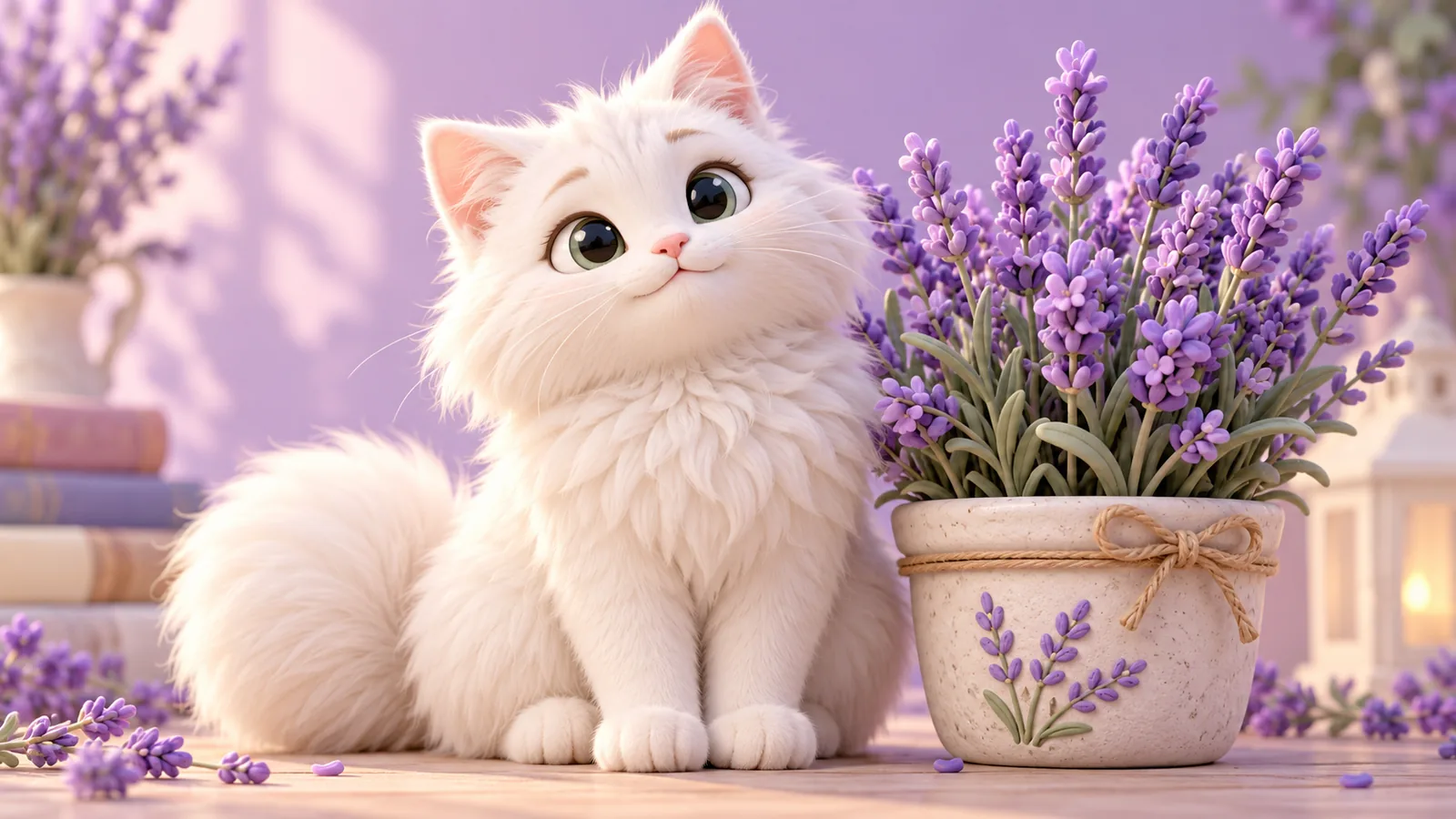
Rounded cartoon kitten beside lavender flowers

Pet portraits

Make a playful character portrait for a pet’s profile or a personal card.

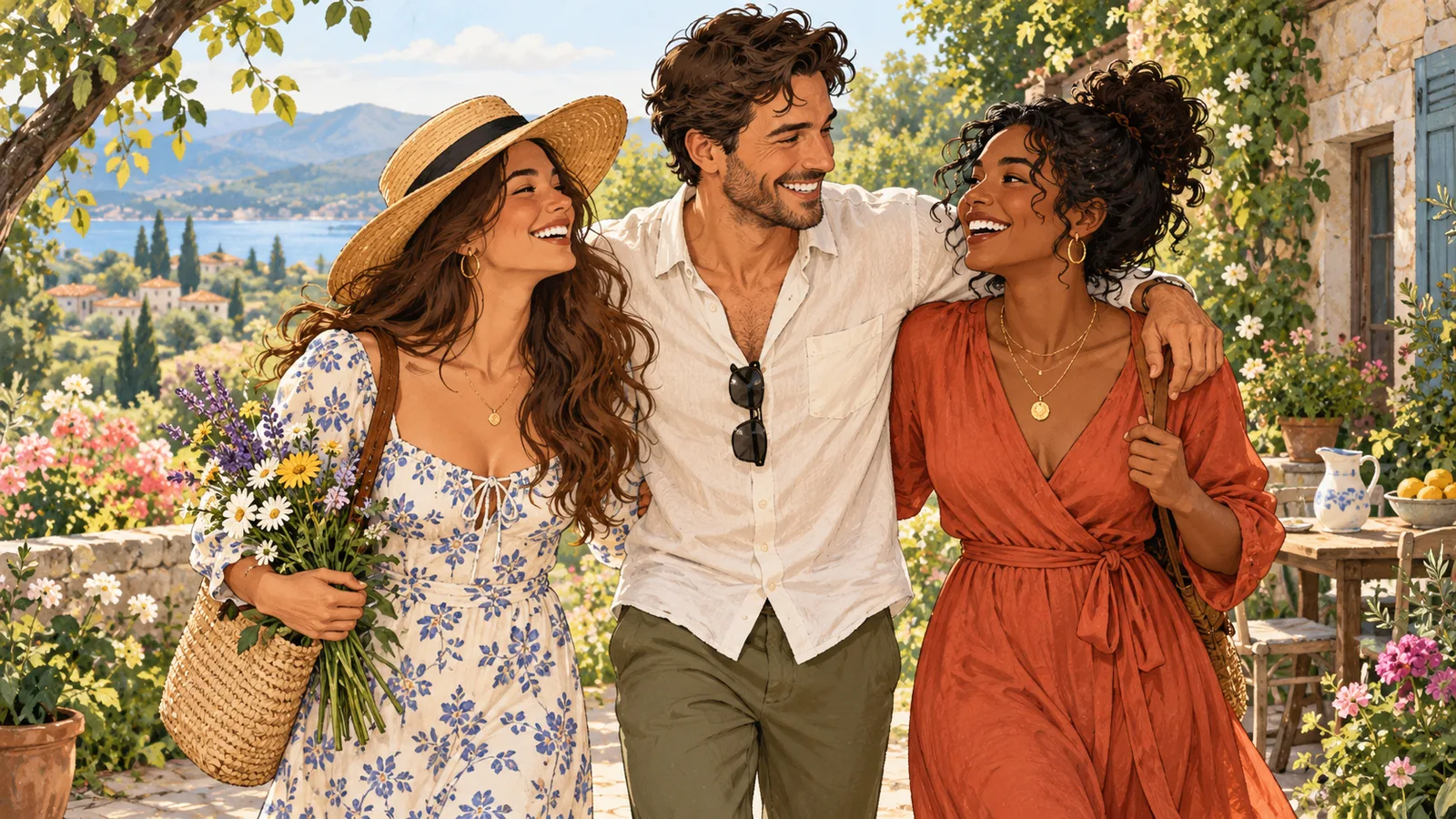
A group of friends rendered as an illustration

Friends & keepsakes

Reimagine a shared photo as an illustrated memory.

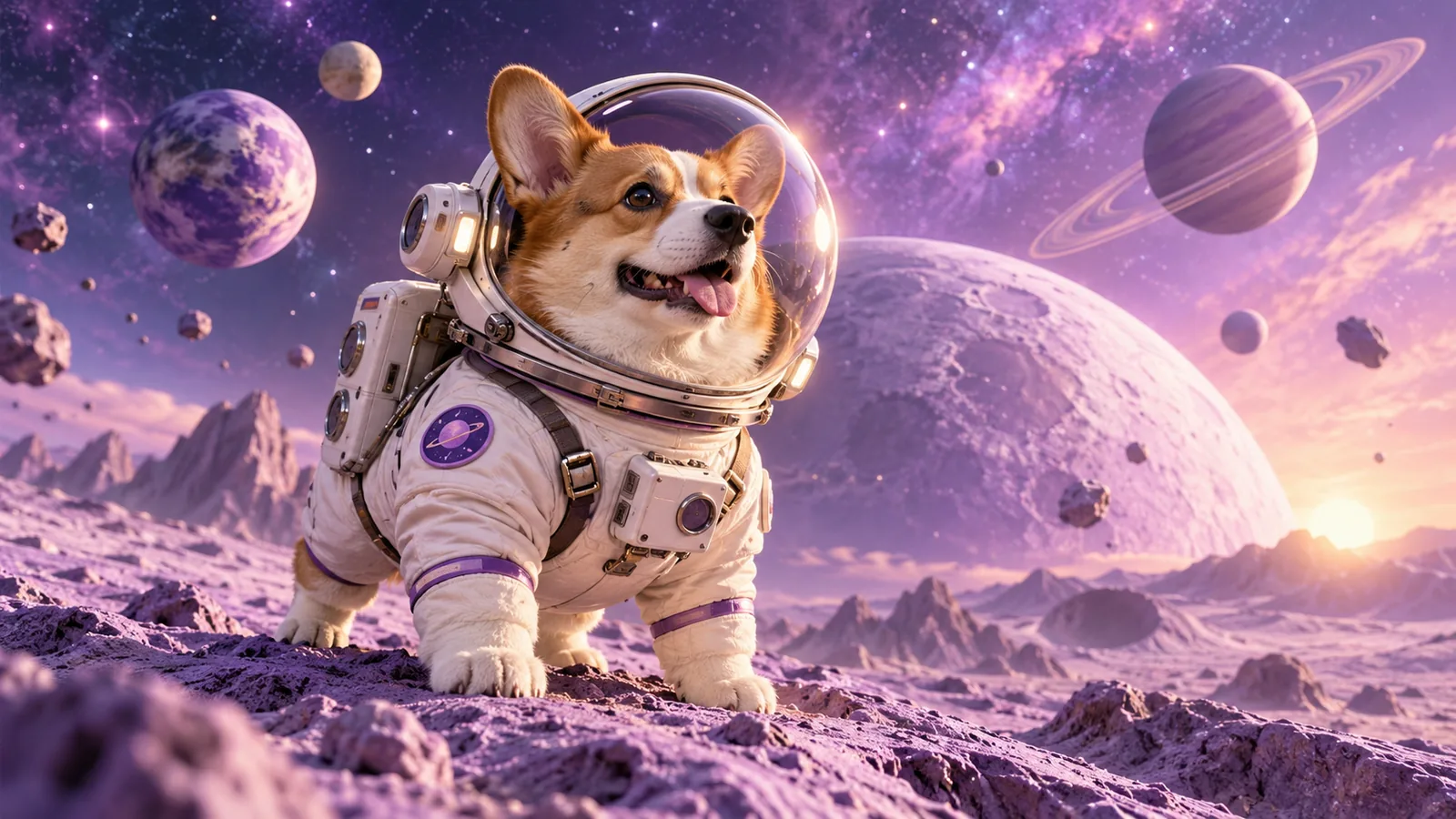
A corgi astronaut on an imagined lavender moon

Story concepts

Develop the first look of an original animal character and its setting.

Why choose
Pizu AI?

Start with a photo or an idea and explore the cartoon finish you want to share.

Explore the workspace

Distinct cartoon finishes

Explore clean 2D outlines or rounded 3D-style character treatments from one photo.

A prompt ready for your photo

Upload and apply the editable cartoon preset without writing a prompt from scratch.

Try cartoonizing without signup

Start with the shared 2 free guest image attempts before creating an account.

Ready for a profile or a post

Download your cartoon image as PNG or JPG, with file-size options for sharing.

Frequently asked questions

How do I turn a photo into a cartoon?

Upload a clear photo and generate with the cartoon preset. You can edit the ready-made prompt to describe a 2D, comic, or rounded 3D treatment before generating.

Is this also an AI cartoon generator?

Yes. Use photo mode to cartoonize an image, or text mode to invent a cartoon from a description. Both workflows use this same page.

Can I cartoonize pets and group photos?

Yes, you can use a pet or group photo as a reference. Clear subjects and visible faces help communicate your intent. Complex groups may need another attempt.

Will it preserve every detail?

No. AI redraws the image and may change faces, hands, markings, or objects. Mention important details and check the output. This creates a still image, not an animation.

Can I try it for free?

Yes. During beta, each signed-in account can submit up to 5 generation attempts per UTC day across Pizu AI tools, subject to a shared site limit. An attempt may count even if generation fails. No paid plan is currently offered.

What happens to my uploaded photo?

Your photo and instructions are sent to GrsAI to generate the image. Pizu AI stores task status and the result link, not your source photo or prompt. Provider retention follows its own policies. Download results promptly because links may expire.

Are these examples actual Pizu AI results?

The examples are AI-created visual studies prepared for this page. They illustrate possible directions; your generated result will depend on your source image and instructions.

Pizu AI

PIZU PRO · COMING SOON

More room for
your imagination.

Looking to create more? Paid plans are on the way.

Pizu AI Pro

For your next big idea
Coming soon

Plan details, pricing and generation allowances will be announced when subscriptions launch.

Checkout is not available yet.

Your free plan stays active. No payment details are collected and no charges will be made.

Ask about upgrades